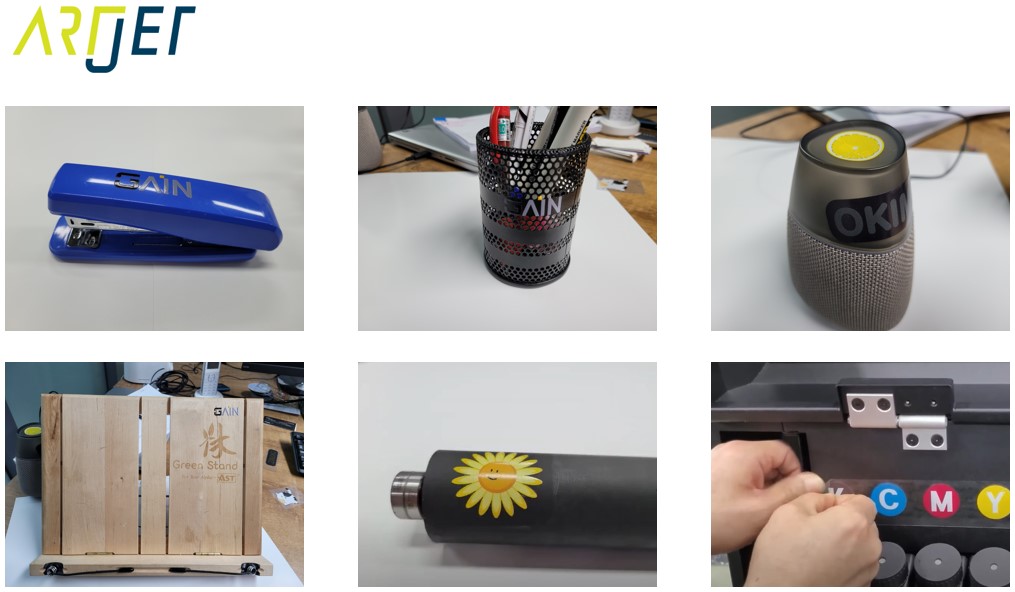
List of products that produced by UV printer
So far, UV printer-related issues, We’ve compiled
24 articles on ink supply issues,
9 articles on head basics,
12 articles on actual head issues and their solutions,
10 actual mechanical Machine Problems and Solutions.
12 Problems and Solutions of Electronic Boards and SW Actually Issued
11 Problems and Solutions: Sai Rip Installation and Basic Settings, Spot Color Creation, and More
For related information, click on the article to go to the link.
Today, we will organize products that can be made with a UV printer.
I. Products that can be produced with just a UV printer _List of products that produced by UV printer
For related information, click on the article to go to the link.
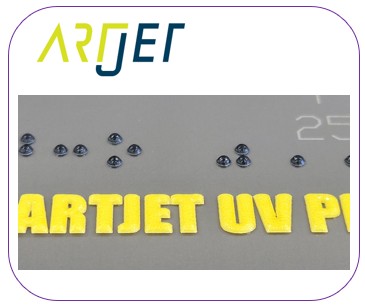
Braille can be implemented through white or varnish lamination.
Although printing takes a long time, the product’s selling price is relatively high.
We occasionally receive requests from consumers. Here’s how to print with the front and back aligned.

Is it possible to create a gradient with white? Is it possible to layer white and then add color to create a three-dimensional effect?
Click the link to learn about possible methods.
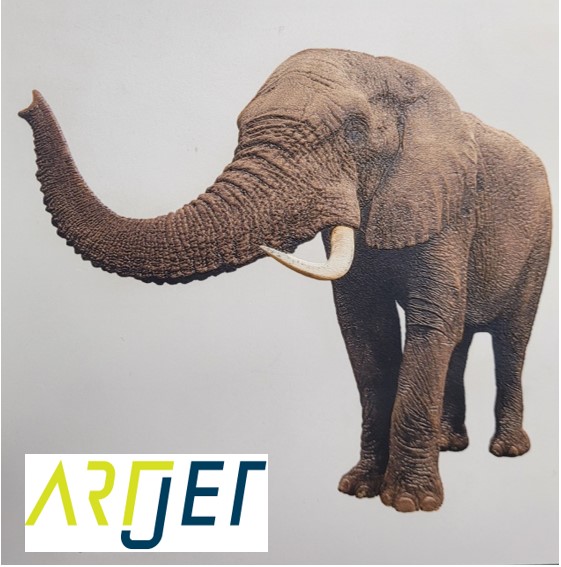
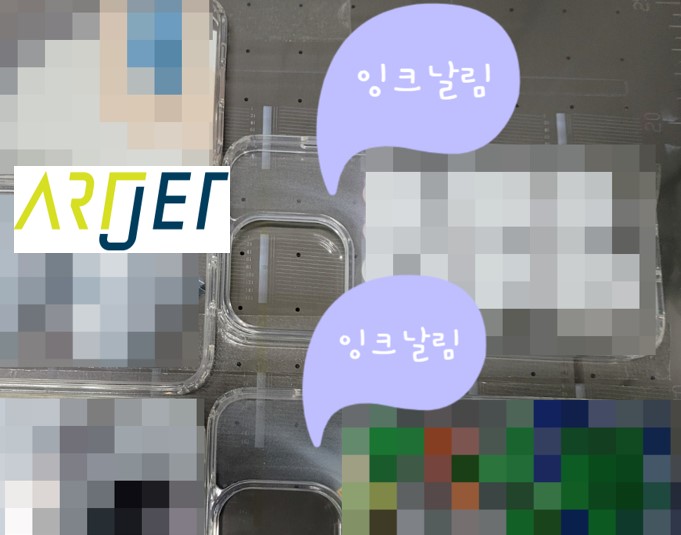
4. “It is not easy to print a phone case because of the height of the iPhone 14 camera.”
The iPhone 14 requires a raised head for printing due to the camera. Unfortunately, ink splatters during printing.
Here’s an explanation of why ink splatters.
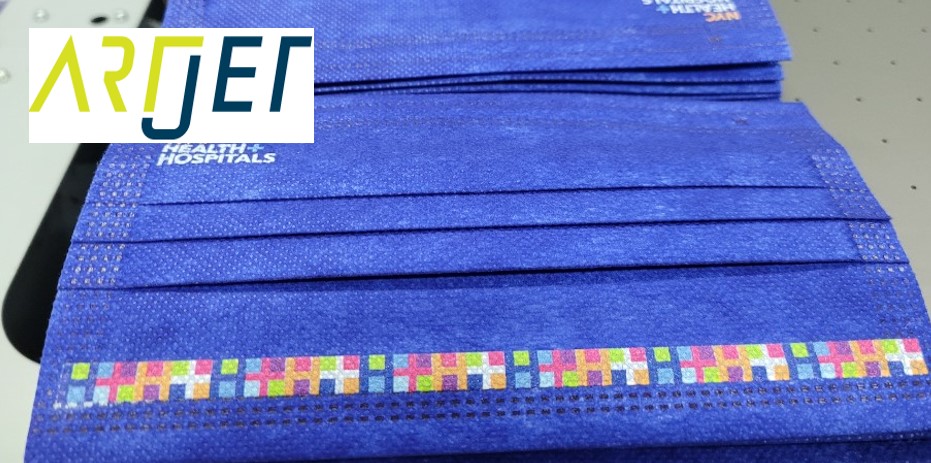
5. “Do not print masks with a UV printer.”
When printing on masks, we explain why printing doesn’t work well and why printing on masks shouldn’t be done.
What ink should I use when printing on leather? What are the differences in adhesion between natural and synthetic leather?
We’ve compiled the essential information to keep in mind when UV printing on leather.
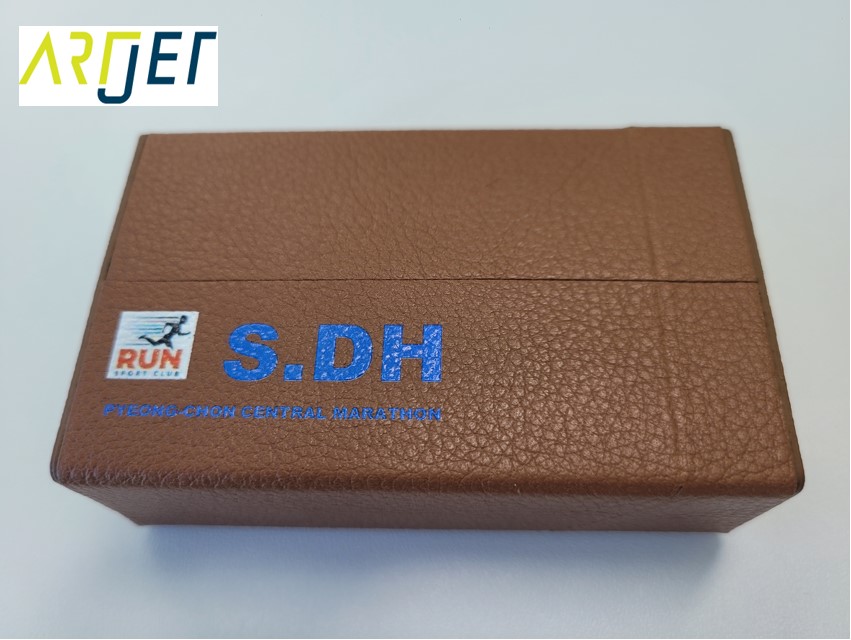
7. Problem with strange stains appearing when printing on leather
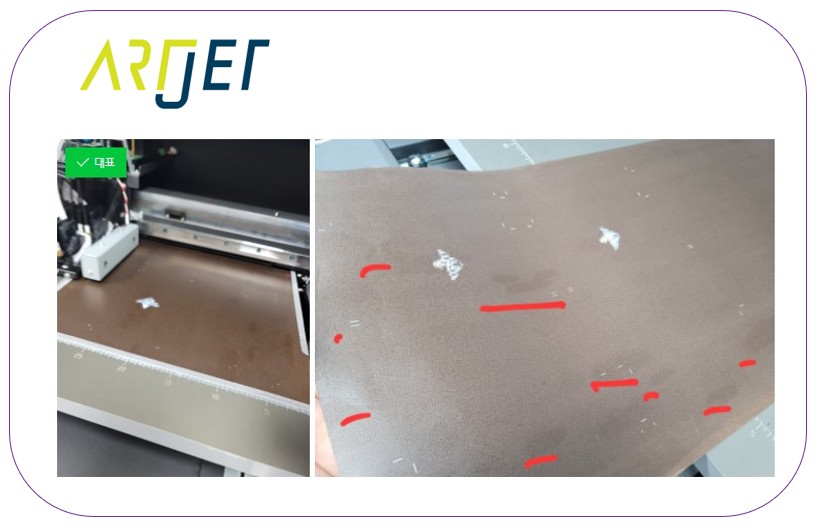
Why do stains appear when printing on leather
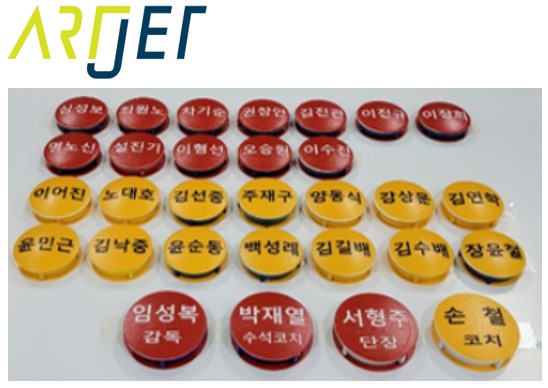
8. I will explain how to print on the round name tags used on the soccer strategy board.
When printing on slightly rounded material, I have explained how to print.
9. Description of Primer functionality and limitations
Pretreatment is used for printing on materials with poor adhesion, such as glass and metal plates.
While pretreatment isn’t a panacea, it’s still useful. The functionality and limitations of pretreatment are explained below.
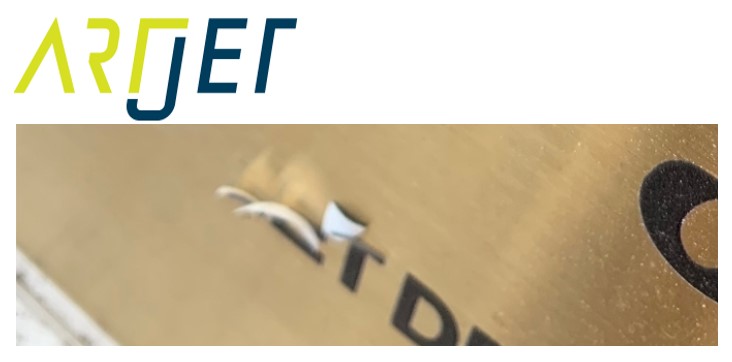
10. Precautions for Canvas Printing
Canvas UV printing is a common practice, but first-timers often face some trial and error.
We’ve outlined some precautions for canvas printing.

11. How to create an epoxy effect by applying only varnish to the printed material
This method creates an epoxy effect by simply applying varnish to a print printed on a standard printer.
This explains how to align the print.

II. Product production using jigs _List of products that produced by UV printer
For related information, click on the article to go to the link.
1. Practicality of the Circular Bottle Print Jig
We’ll explain how to use a jig to print round bottles.
We’ll also discuss the limitations of round bottle jigs and whether they’re truly profitable.
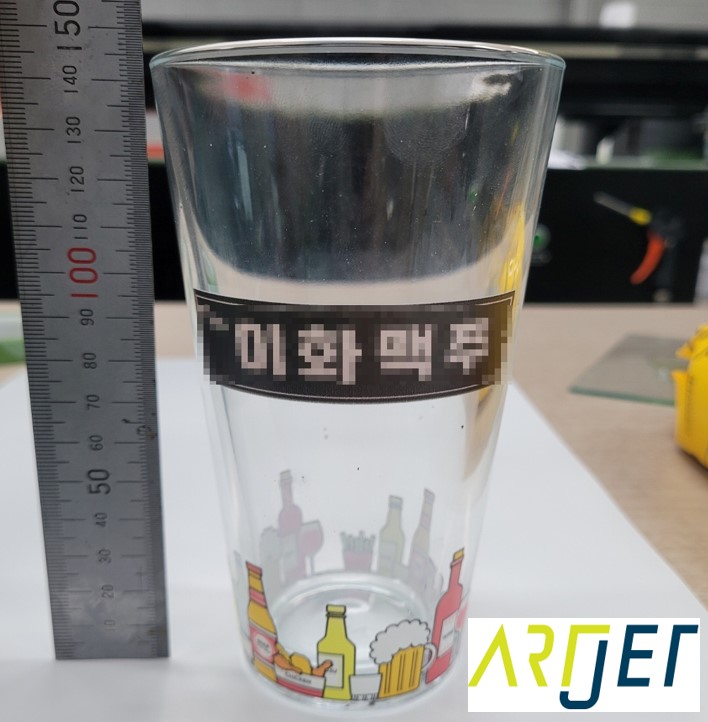
2. Things to keep in mind when using a jig for UV printing
This product was manufactured directly by a representative who uses our equipment.

Explains precautions when making jigs with a laser cutting machine.

III. Products that can be produced with laser cutters and UV printers _List of products that produced by UV printer
For related information, click on the article to go to the link.
After printing with a UV printer, we explain how to accurately align the position so that the laser cutter can cut.
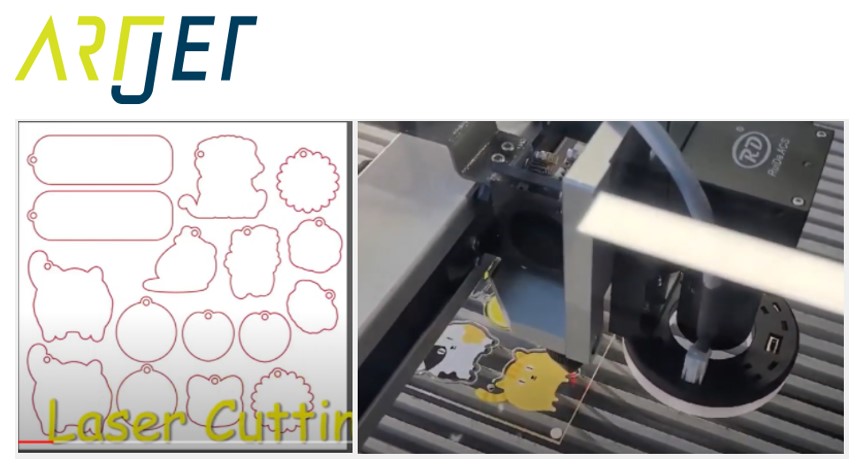
2. Explain how to cut a camera with a laser.
There is a video tutorial on how to do camera cutting on a laser in this article.

3. Creating a Light Frame with a UV Printer & Laser
Explains how to make the product below.

4. Making Equipment Button Name Tags with a UV Printer Laser
Explains how to create equipment name tags and buttons.

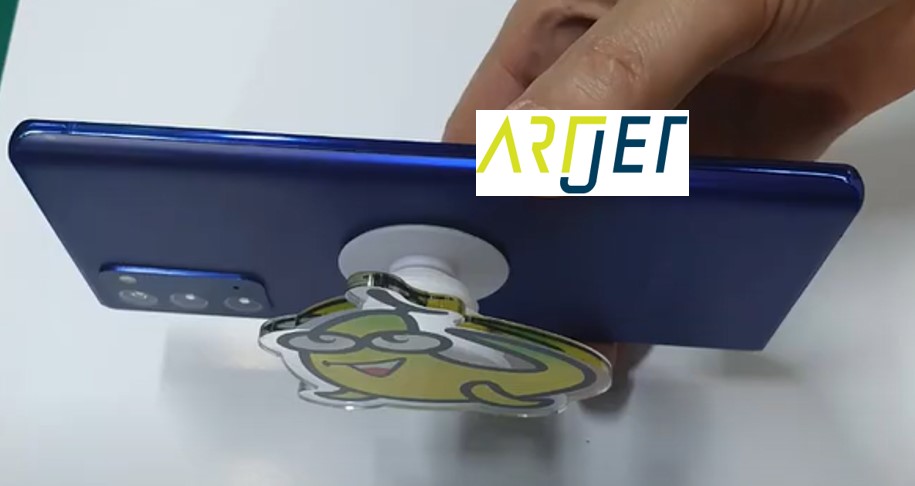
5. Making a Cell Phone Grip Tok with a UV Printer and Laser
Here’s how to make a griptok for your phone.
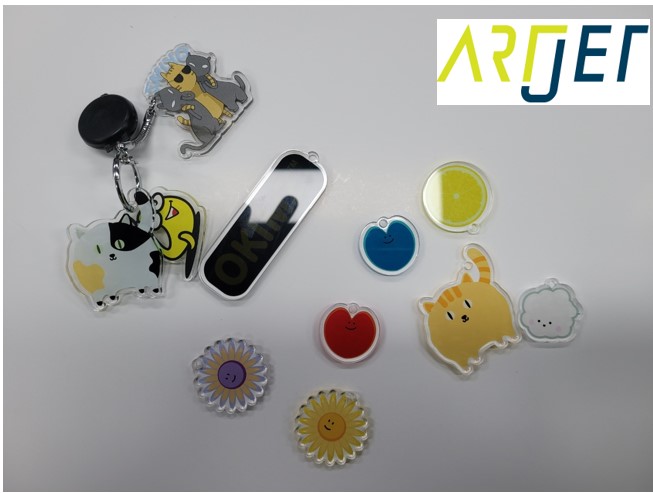
6. Making a Keychain with a UV Printer and Laser
Here’s how to make an acrylic keychain.
IV. Creating UV DTF _List of products that produced by UV printer
For related information, click on the article to go to the link.
1. All processes for making UV DTF and its application
Explains the entire process of making UV DTF using a UV printer, UV DTF film, and a thermal coater.

2. Evaluation of workability and adhesion after applying UV DTF film to actual objects
After creating the UV DTF, I tried applying it to all the objects. There are some materials that can be applied and some that cannot.
V. Knowledge you need to know if you use a UV printer _List of products that produced by UV printer
For related information, click on the article to go to the link.
1. Explain the difference between screen printing and inkjet printing.
Explains why you should use inkjet.

2. “How much will I earn if I sell my UV-printed phone case?”
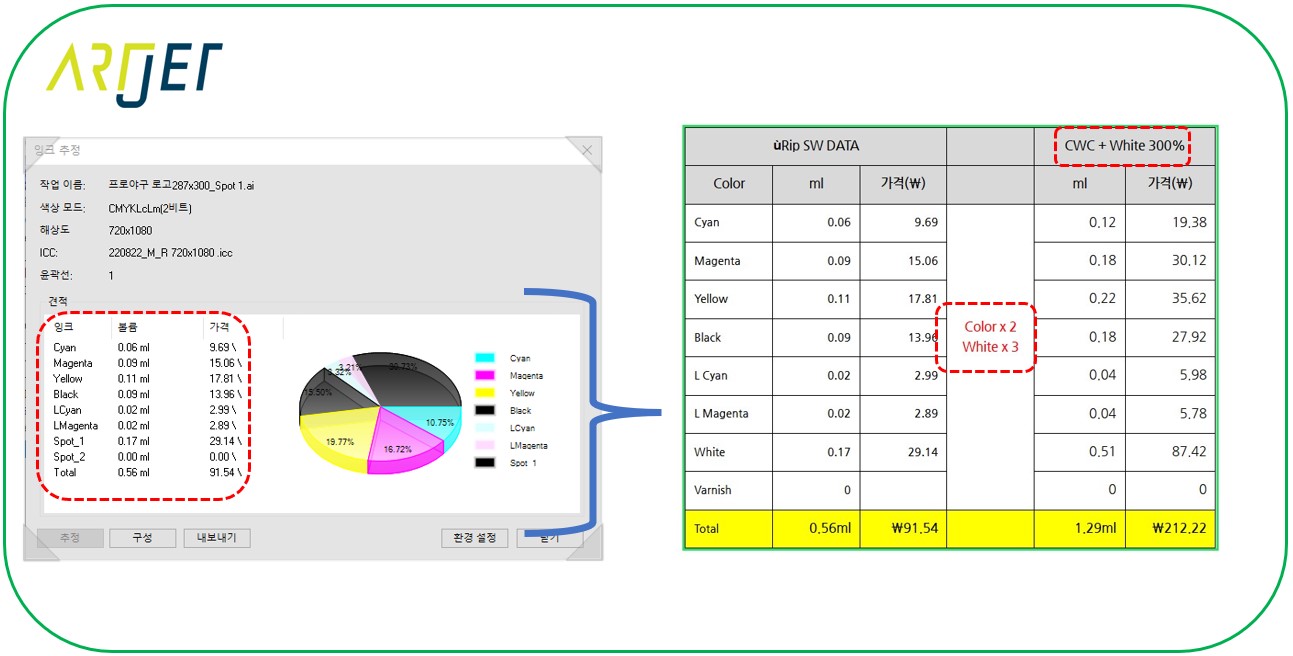
Explains how much ink was actually used and how much the ink cost.

Here’s a formula for calculating ink costs when printing on both sides to make acrylic keychains.
When the front and back images of the acrylic are different, we explain how to mask the front and back images.

VI. This is how ARTJET supports our customers.
One thing I feel while selling and maintaining ARTJET UV Printers for 5 years is that the next most important thing after product stability is Troubleshooting DATA.
All products have problems, whether they are actual equipment problems or consumer errors, and product stability is how easily and quickly you solve those problems.
We are organizing all the troubleshooting DATA as follows.
You can see the product print quality by clicking here.

1. Additional information on printhead problems
Please refer to the information summarized above, and there is no additional information summarized yet.
2. Additional information on ink supply issues
Please refer to the information summarized above, and the additional information summarized below is as follows.
Addition
“no clogged nozzles, but banding in the red ARTJET 2025”
“When I print it, the whole thing has a yellow tint to it”
3. Additional information on Mechanical issues
Please refer to the information summarized above, and there is no additional information summarized yet.
4. Additional information on Electron board and Software issues
Please refer to the information summarized above, and there is no additional information summarized yet.
5. Additional information on Sai Flexi Rip software
Please refer to the information summarized above, and there is no additional information summarized yet.
6. Problems and solutions from actual consumer sites
1. Paper that absorbs ink
2. A line-like thing appears at the end of the white print surface
3.Can varnish banding be reduced?
4. Are there many problems with China’s UV Printer?
7. UV Printer Application
Please refer to the information summarized above, and there is no additional information summarized yet.
8. Bonus
1. ARTJET UV Printer Old Model Refurbished
2. UV Printer Laser Cutter Bonding Machine Which equipment should I buy first?
3. Considerations when choosing a UV printer
4. DTF Printer Price and Specification Survey
5. Acrylic Bonding Equipment Don’t Put It Off Anymore
6. China inkjet level now
7. Thoughts on KOSIGN 2024
8. ARTJET Delivery Preparation
9. ARTJET Setting Sequence
10. UV Printer History and Future Prediction 1
11. UV Printer History and Future Prediction 2
12. UV Printer History and Future Prediction 3
13. UV Printer History and Future Prediction 4
14. UV Printer History and Future Prediction 5
15. Are there many problems with China’s UV Printer?
16. UV Printer Small Text Meaning
17. Is the XP600 head okay
18. Roland UV Printer Summary
19. Mimaki UV Printer Summary
20. UV Printer Alibaba Direct Purchase Considerations
21. Things to consider when buying a used UV Printer
22. Bi Uni Print Quality Differences
23. RDworks download install and laser head position by SW
That’s it for today.
핑백: One color channel doesn't come out at all ARTJET 2025
핑백: UV printer old model refurbished ARTJET 2025
핑백: China inkjet level in 2025 ARTJET
핑백: UV Printer History and Future Part 1 of 5 ARTJET 2025
핑백: UV Printer History and Future Part 3 of 5 ARTJET 2025
핑백: UV Printer History and Future Part 2 of 5 ARTJET 2025
핑백: Is the Chinese UV printer OK ARTJET 2025
핑백: Why XP600 is a Good for small UV ARTJET 2025
핑백: Roland UV printer sum up ARTJET 2025
핑백: Cleaning Problem Summary 1 Captop Lower Tube ARTJET 2025
핑백: Damper Sum up
핑백: Pump Motor Printer Cleaning Issues Part 4
핑백: Captop and head position _ Printer Cleaning Issues Part 5 ARTJET 2026
핑백: Aligning the Captop and Head Position - Printer Cleaning Issues Part 6 ARTJET 2026
핑백: Captop surface drying - Printer Cleaning Issues Part 8 ARTJET 2026
핑백: Ink that has deteriorated inside the captop - Printer Cleaning Issues Part 9 ARTJET 2026
핑백: Time for ink to fill the damper - Printer Cleaning Issues Part 10 ARTJET 2026
핑백: Ink tube torn
핑백: How to Replace a Motor Pump Tube
핑백: Why White Cleaning Doesn't Work Well - Printer Cleaning Issues Part 13 ARTJET 2026
핑백: Why it's important to replace the yellow tube and captop
핑백: Head protection plate crumpled _ Printer Cleaning Issues Part 15 ARTJET 2026
핑백: Head protection plate cracked
핑백: When ink runs out during printing
핑백: The color has faded - Printer Cleaning Issues Part 18 ARTJET 2026
핑백: White flies around the image
핑백: When to replace the damper - Printer Cleaning Issues Part 20 ARTJET 2026
핑백: How to Find the Problem Color When the Color is Strange
핑백: Problems that occur when ignoring the low ink alarm - Printer Cleaning Issues Part 22 ARTJET 2026
핑백: White cleaning methods that might clogged - Printer Cleaning Issues Part 23 ARTJET 2026
핑백: Results after cleaning 17 heads with alcohol
핑백: Certain colors are printed strangely
핑백: Recovering a UV White Print Head After 1 Month Idle (Real Field Case, XP600)
핑백: Print Head End-of-Life Symptoms _Head Issue 6 _ ARTJET 2026
핑백: Solid Color Banding Fix Tips _ Printhead Issue #7 _ ARTJET 2026
핑백: Print Motion but No Ink Output (Head Issue #9) _ARTJET 2026
핑백: Symptoms of a Cracked Ink Channel Inside Print Head _ Head related issues 10 _ ARTJET 2026
핑백: Printhead Replacement Video and Precautions _ Head related issues 11 _ ARTJET 2026
핑백: How to Connect a Printhead DATA Cable _ Head related Issues #12 _ ARTJET 2026
핑백: When Head Board LEDs Blink
핑백: How to Restore Factory Software setting
핑백: Touch Panel Power Issue
핑백: Printing in the Wrong Position
핑백: Double Printing in the X-axis Direction
핑백: Double Printing in the Y-Axis Direction
핑백: X-Axis Start Position Keeps Shifting
핑백: How to Reinstall the Printer Program
핑백: Banding Only in Certain Zones — Mechanical Issues (EP.2) ARTJET 2026
핑백: What You Must Know About Bidirectional Printing
핑백: Symptoms of a Misaligned Bidirectional Offset
핑백: Problems Caused by Wiper Height — Mechanical Issues (EP.5) ARTJET 2026
핑백: Software Won't Connect
핑백: When the Anti-Crash Sensor Gets Jammed in the Captop
핑백: How to Prepare the Electrical Supply for Your Printer
핑백: Initial Setup After Installing Sai Rip
핑백: Sai Rip Dongle USB Not Recognized
핑백: How to Create Spot Colors in Flexi RIP and Fix Common Problems
핑백: Can a Chinese UV Printer Match the Color Output of a Japanese Machine Using Flexi RIP?
핑백: What on Earth Is an ICC Profile?
핑백: How Much Ink Does This Image Cost? — Sai Flexi Rip Ink Estimation & Cost Calculation (EP.08) ARTJET 2026
핑백: Printing Two Images at Once in Flexi RIP
핑백: Flexi RIP Security Key Not Found
핑백: UV Printer Braille Printing White and Varnish Layer Settings Guide
핑백: How to Flip the Substrate and Align Front-Back Printing
핑백: UV Printer nozzle is normal, but a specific color is missing during printing ARTJET 2026
핑백: White lines appear when Y-axis exceeds 600mm