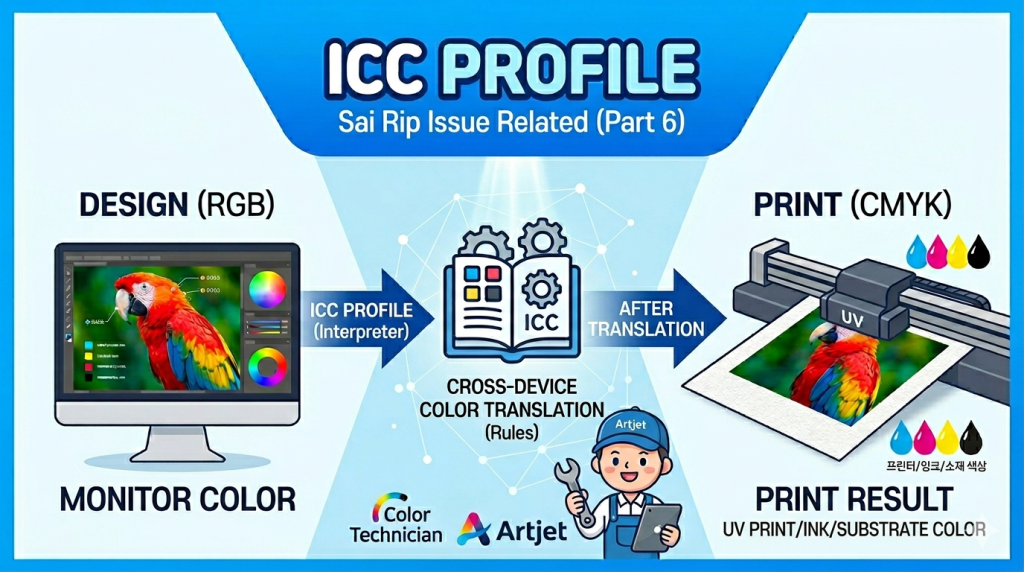
- You’ve heard the term ICC Profile constantly but aren’t sure what it actually means
- You want to understand why colors don’t match when an ICC Profile isn’t applied
- You’re curious about how an ICC Profile is created step by step
- You want to know why you need to rebuild the ICC Profile when ink or substrate changes
- You want a practical, field-based explanation of what role the ICC Profile plays in RIP software
- An ICC Profile only works when all three conditions match: manufacturer, printer model, and print resolution. If any one of them differs, the profile won’t apply correctly.
- If the ink changes, you must create a new ICC Profile. Using the old profile with new ink will result in color mismatch.
- If the print resolution changes, a new ICC Profile must be created to match the new resolution.
- Strictly speaking, changing the substrate also requires a new ICC Profile — but because UV ink doesn’t bleed much on most substrates, many operators skip this step in practice.
- ICC Profile = a SW file that makes inkjet output match the color standards set by the International Color Consortium
- Without it → colors print without a reference point, resulting in a mismatch with what the customer expects
- Creation process → ① Set ink limits per channel ② Redistribute to smooth 0–100% gradation ③ Set mixed-color limits ④ Read color chart and generate SW file
- When to rebuild → Ink change / Resolution change / Substrate change (by the book)
I. ICC Profile Overview — What on Earth Is an ICC Profile?
1. What happens without an ICC Profile
- This goes back to an installation I did at a customer’s site four years ago.
- Once the printer software training was done, I was about to walk through Sai Flexi RIP — and realized I hadn’t brought the ICC Profile.
- To make things worse, it was a Saturday and no one was at the office.
- “Let’s go ahead with the RIP training as-is, and I’ll send you the ICC Profile to apply later.”
- We printed using the customer’s own images without the ICC Profile and pushed through the training —
- but the off-color results kept nagging at me.
- I couldn’t leave it like that, so I reached out to someone near the office and had the ICC Profile sent over via KakaoTalk.
- After applying it and printing again, the customer said: “Honestly, I didn’t say anything, but I was really worried the whole time because the colors didn’t look right. Now that the ICC Profile is applied, the colors look great — I’m very happy with it.”
2. What ICC Profile actually stands for
- International Color Consortium profile — the color standard defined by the International Color Consortium.
- Put simply: “the definition or range of colors established by an international color standards body.”
- Most other explanations stop there.
- When I first encountered this concept, I had no idea what it actually meant — it took me a long time to really understand it.
II. Understanding Why ICC Profiles Exist Will Make Everything Click — What on Earth Is an ICC Profile?
1. What happens when everyone insists their color is the correct one
Let me walk through a scenario to explain why the ICC Profile concept came about.
Since this concept predates digital inkjet and originated in the offset printing industry, I’ll use print shops as the example.
There are four print shops. Let’s call them A, B, C, and D.
- A customer asks “Please print a red sample for me” and places the order with shops A, B, and C.
- A short while later, the customer receives red paper samples from all three shops.
-

What on Earth Is an ICC Profile? - But all three reds look slightly different.
- The customer asks A, B, and C: “Which one is the real red?”
- All three shops insist their version is correct. No one backs down, and nothing gets resolved.
- Fed up with the deadlock, the customer just places a bulk order with shop D.
- A, B, and C are left empty-handed. D is the only one that wins.
2. Let’s agree on a standard for each color
The owners of the now-struggling shops A, B, and C happen to run into each other at a bar.
After a drink or two, the tension fades — and they start thinking together about how to turn things around.
After a long discussion about how to stop fighting over color, they meet again the next day.
- Each owner brings in a red sample printed on their own machine. After lengthy deliberation: “Let’s agree that red means the color printed by shop B.”
- They meet again the next day. “Let’s agree that blue means the color printed by shop A.”
- And so it continues, day after day, reaching agreement on one color at a time.
- With every agreement, all three shops keep a physical sample of that agreed-upon color and always use it as the reference when mixing.
A year passes.
- They’ve reached agreement on a huge number of colors, and all three shops now hold the full set of agreed color samples.
- Now when a customer says “Please print this in red,”
- all three shops pull out the color chart and ask: is it a deep crimson red? An orange-tinted red?
- They show the customer the chart and ask them to point to the exact color they want.
- With that clarity, A, B, and C all start delivering exactly what customers ask for — and business booms for all three.
- Their color standard becomes the industry reference.
- Shop D, meanwhile, has none of those color charts and can’t match them — and goes out of business.
As A, B, and C grow further,
- International Color Consortium profile.
- They formalize their collaboration under the name ICC — the International Color Consortium — and establish official color standards.
- Over time, every print shop adopts the ICC color chart and uses it as the reference for all color matching.
3. How the ICC Profile concept moved from offset printing into inkjet
The owner of the failed shop D discovers inkjet printing
- The owner of the now-defunct shop D stumbles across inkjet technology.
- And starts thinking:
- “If I can get inkjet to match the standard colors that A, B, and C agreed on — I could print a single sheet instead of a bulk run, skip all the trial-and-error color mixing, and if that’s possible, it’s a goldmine.”
- The shop D owner connects with a software developer.
- They obtain the same paper used by A, B, and C, along with the color chart those three shops established.
They start with red again.
- Working with C, M, Y, K across 4 channels, they try to match the red from A, B, and C’s color chart —
- and eventually figure out exactly what percentage of each channel produces that red.
- The software developer inputs those percentages into the software.
- They move on to blue, determine the C, M, Y, K ratios, and the developer enters those values too.
- As they repeat this across more and more colors, patterns and logic start to emerge — and eventually, following those patterns alone is enough to get reliably close results.
- This is how the logic for creating ICC Profiles for inkjet was born.
4. How an ICC Profile is created for inkjet
Creating an ICC Profile for inkjet means producing a file that allows the inkjet printer to reproduce colors as close as possible to the standards defined by the ICC.
The process broadly breaks down into four steps.
1. Set the maximum ink limit for each of C, M, Y, K.
- Print a gradation from 0% to 100% for each color channel and identify the point where the color stops changing — that becomes the ink’s limit.
- For Black ink, for example: the color deepens naturally from 0% to 80%, but beyond 80% there’s no further change in the Black.
- So the maximum limit for Black is set at 80%, and the system is configured not to apply any more Black beyond that point.
- The same process is applied to C, M, and Y.
2. Redistribute C, M, Y, K within the maximum limit into a smooth 0–100% gradation.
- The previous step removed the plateau above the limit — so the usable range was, say, 0–80%.
- Now that 0–80% range is redistributed so the gradation spreads evenly from 0% to 100%.
- In other words: the 80% maximum from step 1 is treated as the new 100%, and the 0–80% values are remapped evenly across 0–100%.
- The same is done for C, M, and Y.
3. Set the maximum limit for mixed colors.
- The previous steps addressed limits and gradation for individual C, M, Y, K inks.
- This step addresses combinations — when C, M, Y, K mix together to produce other colors, some areas can become overly dark and muddy. This step removes those excessive densities.
- It can’t be done for every possible color combination, so a few representative mixed colors are selected.
- Those representative mixed colors are printed as gradations.
- The point where the color stops deepening is identified and set as the maximum limit for that mixed color.
4. Once individual ink limits, gradations, and mixed-color limits are all set, the developer’s logic is applied to the inkjet system to generate the ICC Profile.
- From here, the software developer’s logic takes over.
- A color chart is printed, then read by a color measurement device.
- The software produces a single file that maps the printer’s output to match the ICC color standard as closely as possible.
- When that file is applied to the printer in use, the printer’s color output aligns with ICC-defined color standards.
- That file is the ICC Profile.
5. What affects an ICC Profile in inkjet printing
- An ICC Profile isn’t something you can apply anywhere, to anything.
- Each manufacturer, each printer model within that manufacturer, and each print resolution within that model all require a separately created ICC Profile.
- If any one of the three doesn’t match, the profile won’t apply correctly. Even with the same manufacturer and model, changing the print resolution means the ICC Profile must be rebuilt for the new resolution.
- When the ink changes, the color values differ from the original ink — so a new ICC Profile must be created to match the new ink.
- Strictly speaking, changing the substrate also calls for a new ICC Profile — white papers vary slightly in tone (some have a yellow cast, others a blue cast) — but because UV ink doesn’t spread much after landing on a substrate, many operators skip this step in practice.
III. ARTJET UV Printer
