Printer Mechanical Troubleshooting 10 Case Studies by Symptom
Includes 2 field-reference tables · Organized as Symptom → Hypothesis → Inspection → Solution
Running a UV printer, you’ll hear things like this often:
“There’s a clicking noise from the X-axis.”
“The cleaning wiper won’t move.”
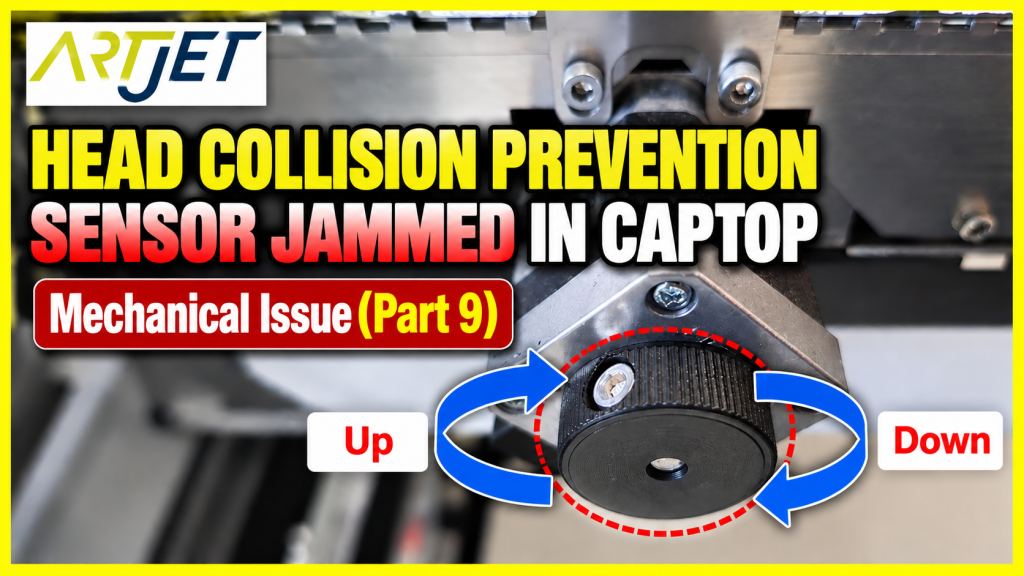
“The head collision sensor keeps triggering.”
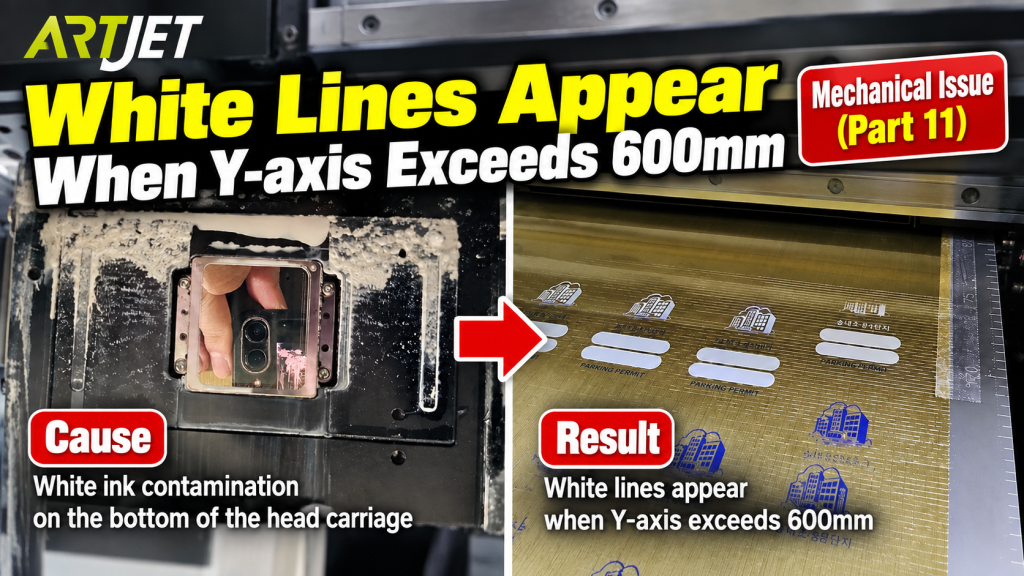
“Printing is fine at first, then white lines suddenly appear.”
“The cleaning wiper won’t move.”
“The head collision sensor keeps triggering.”
“Printing is fine at first, then white lines suddenly appear.”
Mechanical issues often show visible symptoms — noise, malfunctioning motion, degraded print quality — but misjudging the cause means replacing parts without fixing the problem.
Taking the wrong approach wastes both time and money.
Taking the wrong approach wastes both time and money.
The goal of this article: quickly identify mechanical issues by symptom, and resolve them on-site without unnecessary part replacement.
Who Should Read This
- Anyone with noise on the X/Y-axis, or banding that only appears in specific zones
- Anyone whose bidirectional print offset is off and looks like double printing
- Anyone whose cleaning wiper won’t move, or whose head collision sensor keeps triggering
- Anyone whose software won’t connect, or whose capping station isn’t operating normally
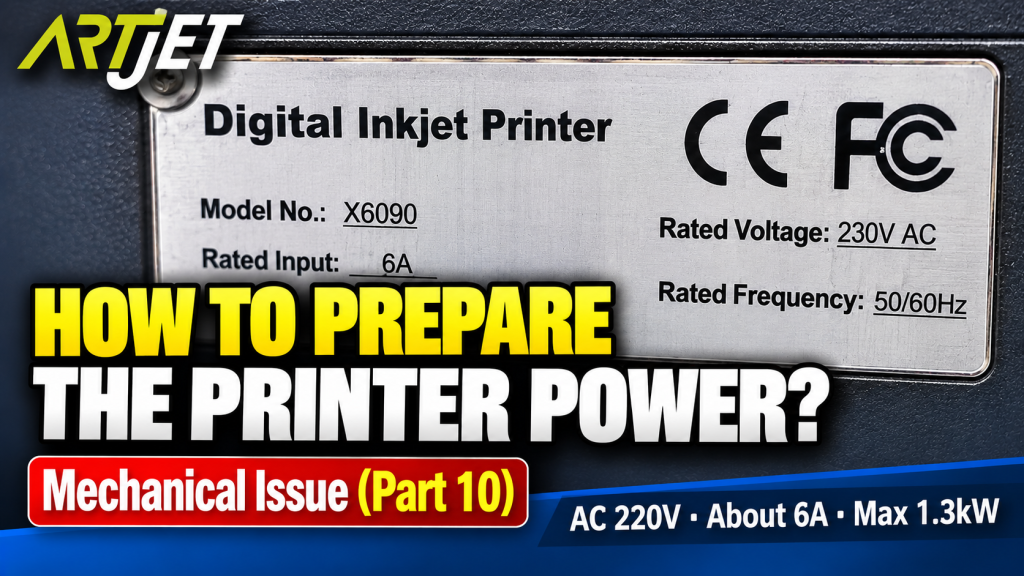
- Anyone who wants to confirm the electrical specs before installing a UV printer
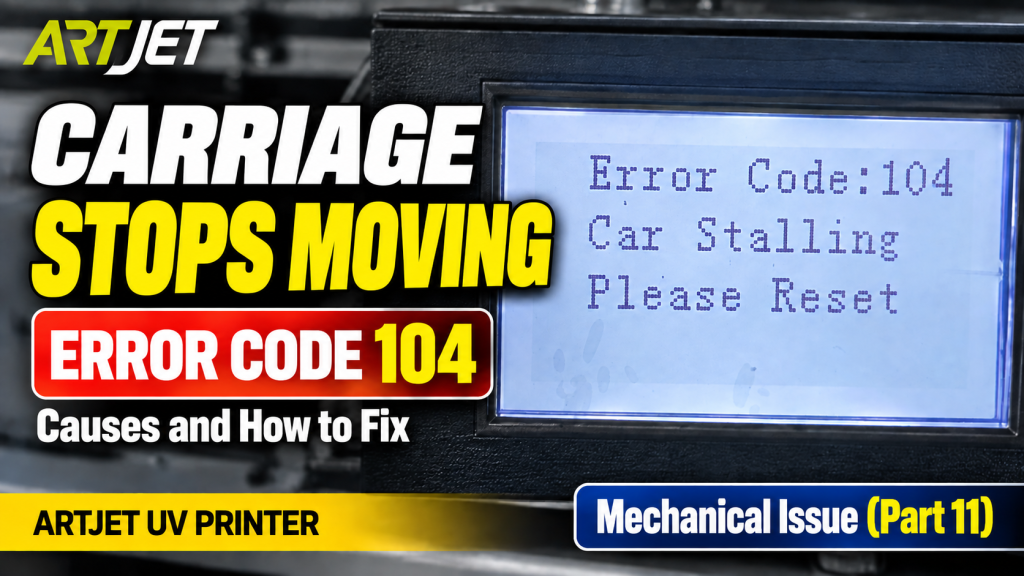
- Anyone whose printer works fine at first but shows white lines in a specific zone, or has an intermittent X-axis fault
Cautions
- Always check motor levelness after replacing a belt. If it’s not level, the noise will return even after replacement.
- When adjusting wiper height, check the clearance to the head underside by hand first before running it — this can otherwise lead to a head collision.
- When manually operating the Anti-crash bar, always do so with the power off.
- Use a dedicated outlet for the printer. Sharing a power strip with other appliances can cause voltage instability and damage the electronics board.
- Use separate cloths for the head carriage underside and the print head itself.
- For an intermittent fault, suspect a loose cable connection before a faulty part — it’s the more efficient order to check.
Quick Summary (7 Lines)
- X-axis noise is most often caused by belt wear or improper tension.
- For bidirectional print quality issues, check in the order Standoff height → Offset.
- Wiper / capping station malfunctions are usually caused by accumulated ink contamination or a loosened belt-linkage screw.
- Knowing the manual release procedure for the head collision sensor speeds up on-site response.
- The recommended electrical spec is AC 220V ± 10%, max. 1.3kW — on its own dedicated outlet.
- If white lines appear only in a specific Y-axis zone, check for head carriage underside contamination first.
- An intermittent X-axis fault (works, then doesn’t) is likely a loose linear scale reader cable connection.
I. Mechanical Issues — Printer Mechanical Troubleshooting 10 Case Studies
Click any number in the tables below to jump directly to the detailed solution.
Each article includes real field cases, an inspection order, and cautions.
Each article includes real field cases, an inspection order, and cautions.
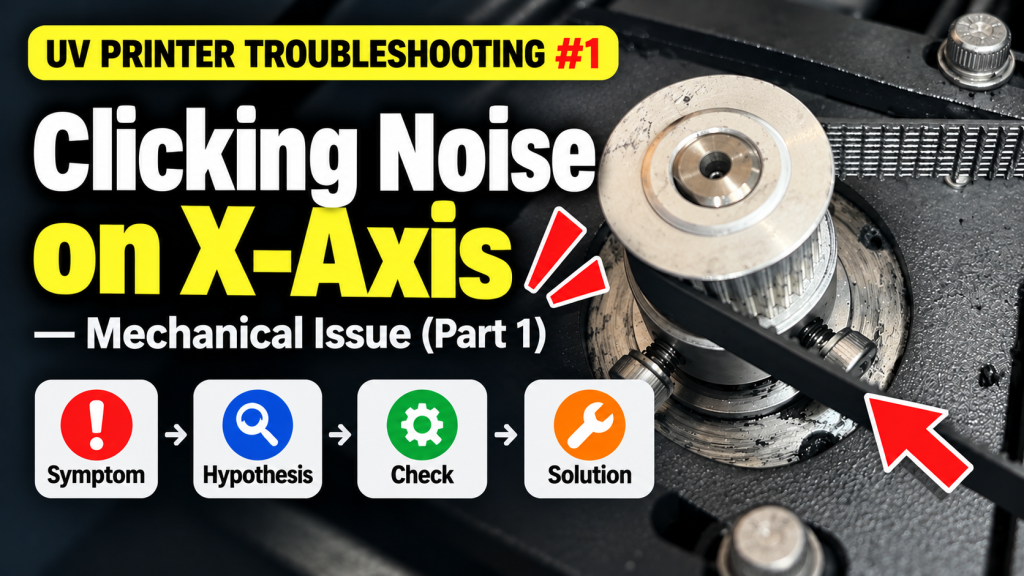
① Clicking noise from the X-axis — X-axis Pully Belt replacement
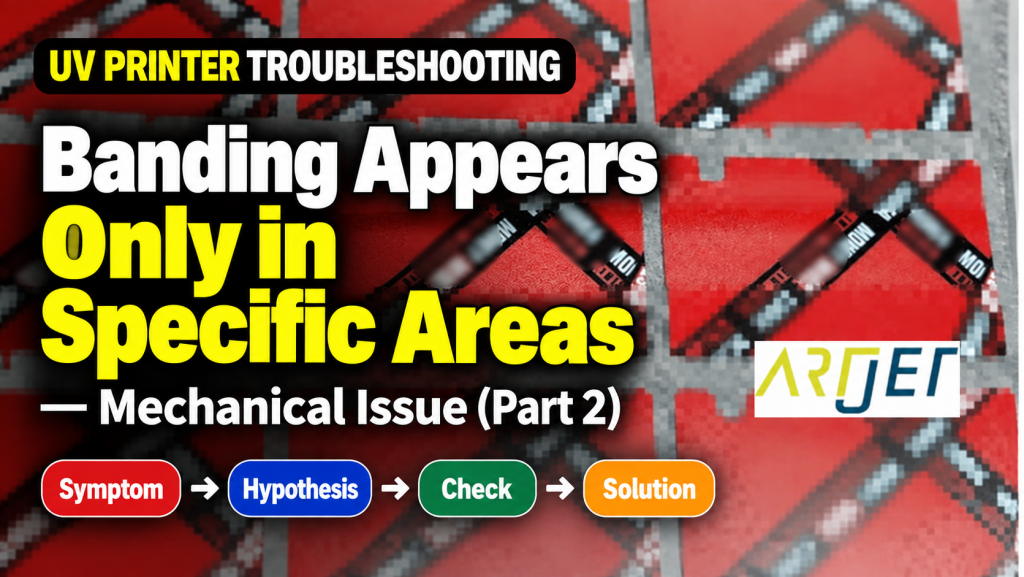
② Banding only in certain zones — the effect of swapping substrates mid-print

II. Symptom-Based Quick Reference Table (For Immediate Field Response) _ UV Printer Mechanical Issues by Symptom
This is an emergency diagnostic table based on “what’s happening with my printer right now.”
Click the reference number in the table below to jump to the matching item in the detailed guide (I) above.
Click the reference number in the table below to jump to the matching item in the detailed guide (I) above.
One-line rule of thumb
For “noise / malfunction,” check in the order Belt → Wiper → Sensor. For “degraded print quality,” check Standoff → Offset → contamination. For “intermittent faults,” check the cable connection first.
For “noise / malfunction,” check in the order Belt → Wiper → Sensor. For “degraded print quality,” check Standoff → Offset → contamination. For “intermittent faults,” check the cable connection first.
| Symptom | Characteristics | Likely Cause | Quick Check | Ref. |
|---|---|---|---|---|
| Clicking noise on X-axis | Repeated noise while moving | X-axis Pulley Belt wear/damage | Visually inspect the belt along its full length, then move it by hand to locate the noise point | ① |
| Banding in a specific zone only | Occurs in part of the print, not the whole | Vibration from swapping substrates mid-print | Check whether the banding zone matches the substrate-swap timing | ② |
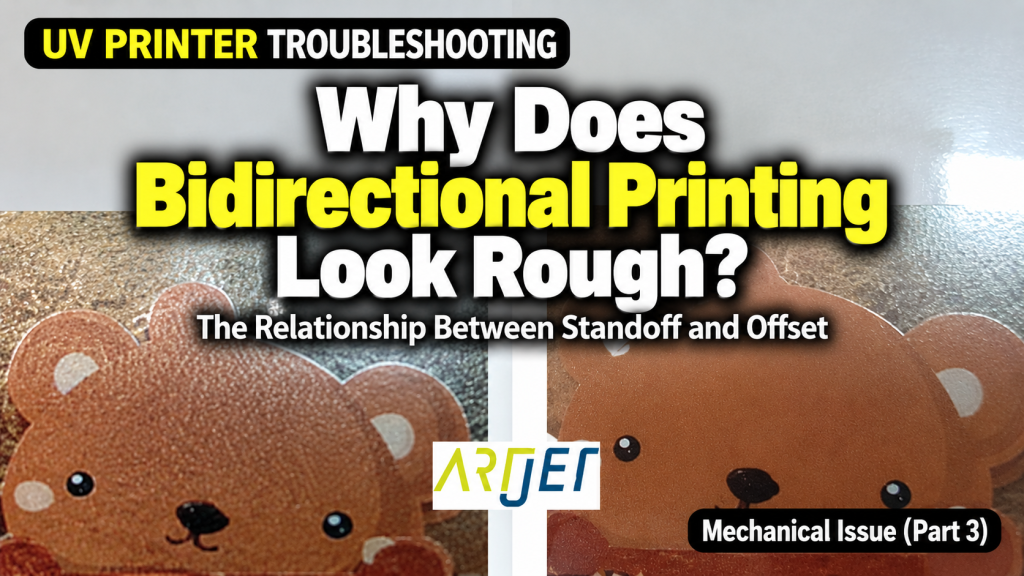
| Degraded bidirectional print quality | Slight misalignment on the return pass | Standoff height or Offset setting error | Check Standoff height first, then adjust Offset | ③ |
| Bidirectional Offset misalignment | Left/right print mismatch | Offset setting error | Recalibrate the Offset | ④ |
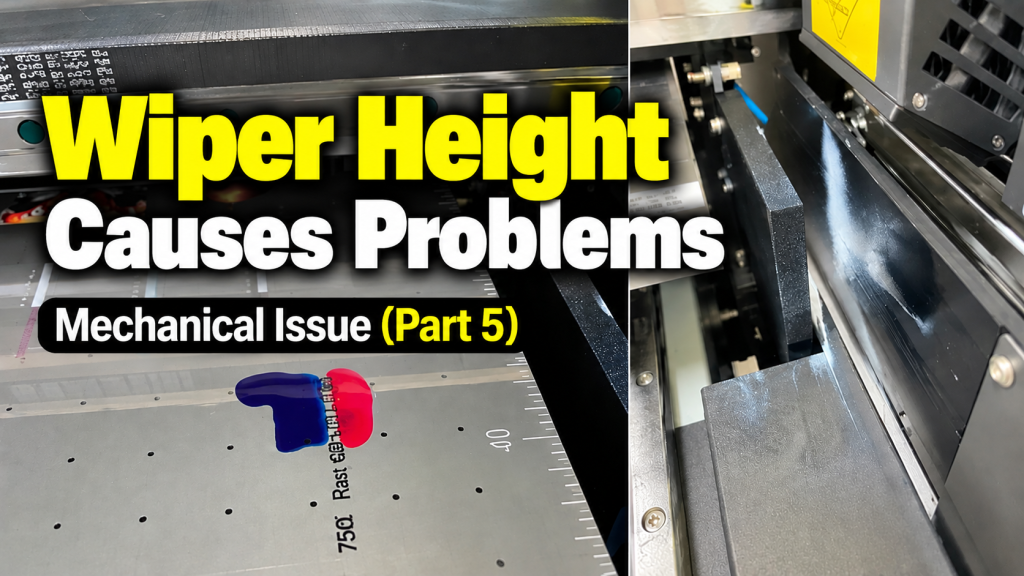
| Head collision switch activates | Repeated activation due to excessive wiper height | Wiper height setting error | Check the clearance between wiper height and head underside | ⑤ |
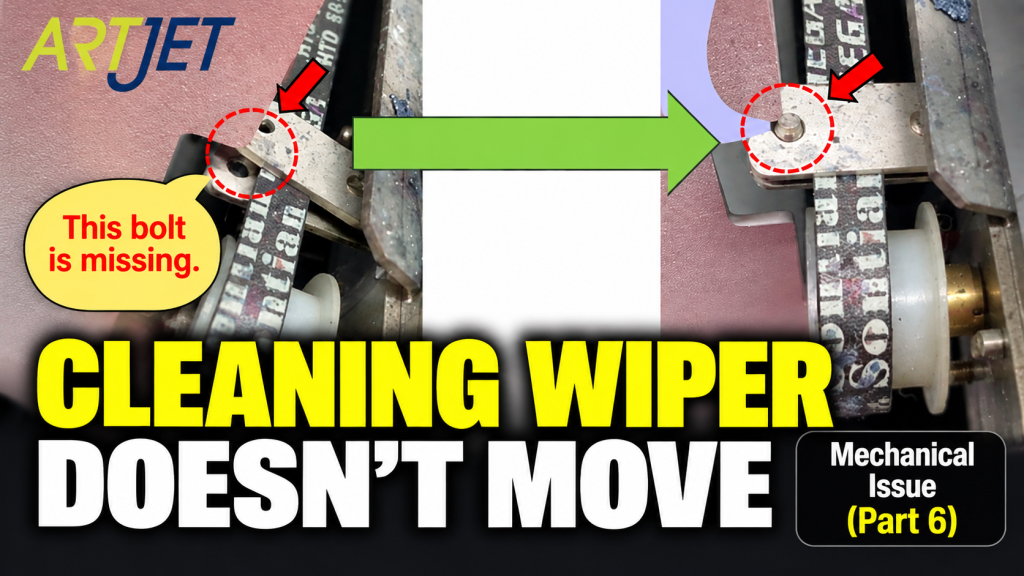
| Cleaning wiper doesn’t move | No wiper movement during cleaning | Loosened belt-linkage screw or accumulated ink contamination | Check the belt-linkage plate screw first → then clean ink contamination if it’s fine | ⑥ |
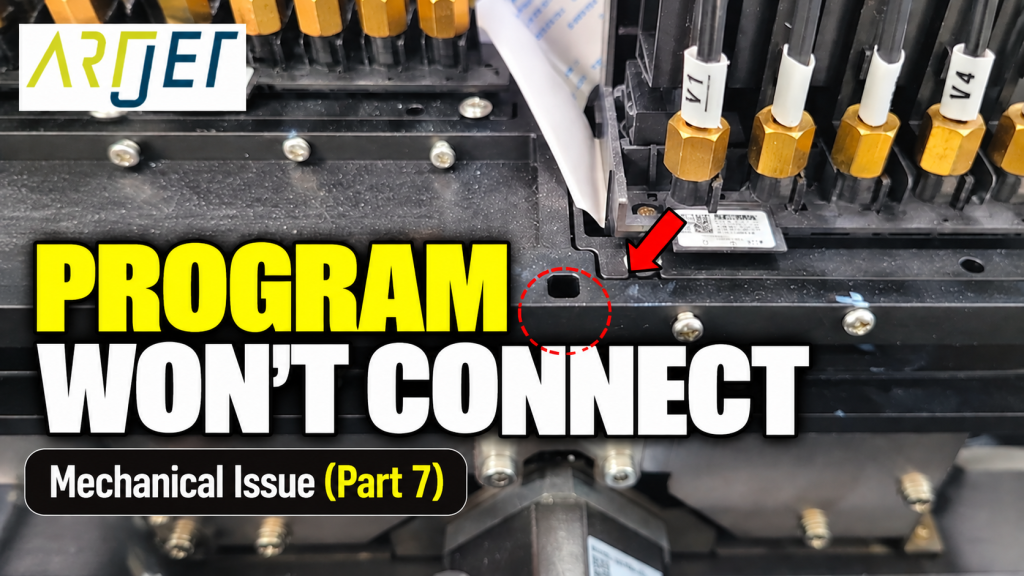
| Software won’t connect | Repeated connection failure during initializing | Capping fixing plate out of position | Check the capping station position and plate condition | ⑦ |
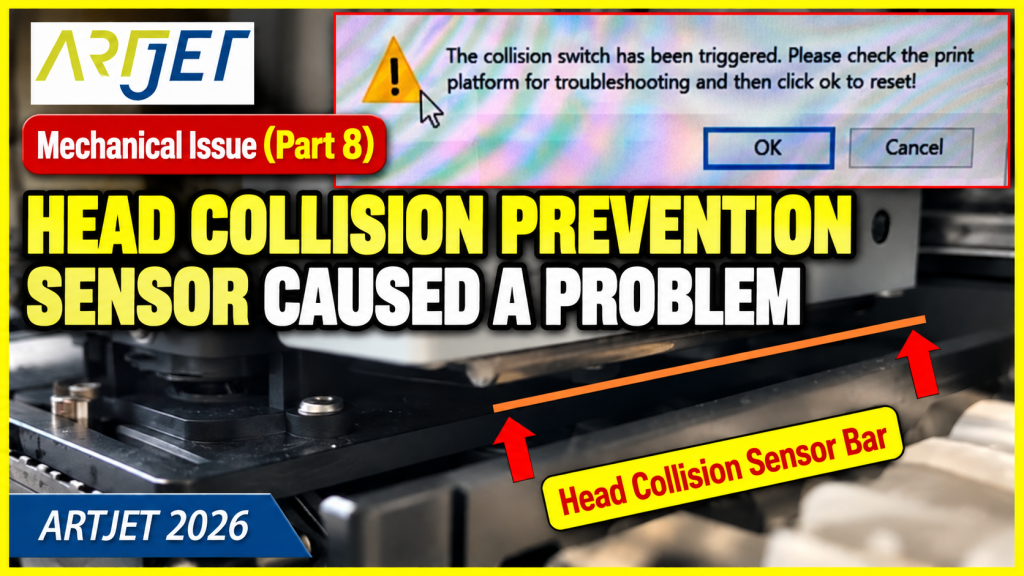
| Anti-crash bar jammed | Head collision sensor stuck active | Physical jam of the Anti-crash bar | Power off, then perform manual release | ⑧ |
| Anti-crash bar jammed in the Captop | Bar stuck at the capping station | Capping station position abnormality | Manually lower the capping station to release the jam | ⑨ |
| Electrical specs not confirmed | Electrical setup unclear before installation | Electrical capacity/wiring must be prepared in advance | Prepare AC 220V ± 10%, max. 1.3kW, dedicated outlet | ⑩ |
| White lines in a specific Y-axis zone | Occurs consistently past 600mm | Head carriage underside contamination | Raise head to 100mm and visually inspect the carriage underside | ⑪ |
| X-axis fails to find home | Intermittent — works, then doesn’t | Linear scale reader cable connection issue | Gently pull each cable at the head carriage board connector to check | ⑫ |
III. Root-Cause Classification Table (For Structural Understanding) _ UV Printer Mechanical Issues by Symptom
This classification table helps identify where the root of the problem lies, reducing recurrence.
If the same symptom keeps repeating, organizing it by the categories below is the fastest approach.
If the same symptom keeps repeating, organizing it by the categories below is the fastest approach.
| Category | Main Causes / Elements | Representative Symptoms | Characteristics | Ref. |
|---|---|---|---|---|
| A. Belt / Drive System | X-axis belt wear/damage, tension issues | X-axis noise, zone-specific banding | Common on high-usage machines; always check level after replacement | ① ② |
| B. Bidirectional Print Settings | Standoff height, Offset settings | Slight misalignment on the return pass, double printing | Check Standoff height first, then Offset | ③ ④ |
| C. Wiper / Cleaning System | Wiper height, loosened belt screw, ink contamination | Head collision switch activation, wiper not moving | Preventable with regular cleaning; check for loose screws first | ⑤ ⑥ |
| D. Capping Station | Fixing plate position, manual descent | Software won’t connect, Anti-crash bar jammed | Must know the manual procedure; always power off first | ⑦ ⑧ ⑨ |
| E. Electrical Setup | Voltage/current/power specs, dedicated outlet | Electrical capacity not confirmed before installation | AC 220V, 1.3kW — use a dedicated outlet only | ⑩ |
| F. Head Carriage Contamination | Dust or white ink residue on the carriage underside | White lines in a specific Y-axis zone | Requires checking the carriage underside separately from the head itself | ⑪ |
| G. Cable Connection | Loose contact at the linear scale reader connector | X-axis home-position detection failure, intermittent fault | Check the cable before replacing a board | ⑫ |
IV. ARTJET UV Printer
After more than five years of selling and servicing ARTJET UV printers, one thing stands out above all else.
Next to product reliability, the most critical factor is accumulated troubleshooting data.
Any machine can develop problems depending on the environment, work conditions, and operator experience.
What truly matters in a production setting is not “a machine that never fails” — it’s:
What truly matters in a production setting is not “a machine that never fails” — it’s:
How quickly and how accurately
you can identify and resolve the issue when it occurs.
you can identify and resolve the issue when it occurs.
ARTJET continuously collects and organizes real-world problem data from the field to support faster and more precise troubleshooting.
🎥 Print Quality Sample
💰 ARTJET Pricing & Sales Conditions
(Note: Exterior design has been updated)
🧾 Full List of UV Printable Products

* Note: Exterior design has been updated.
※ This article is based on real field cases. Results may vary depending on your environment and machine configuration.
핑백: Do Not Print on Masks — UV Printer Products (Part 5) ARTJET 2026
핑백: Is Printing with a Rotary Bottle Jig Profitable — Making Products with a UV Printer (Part 12) ARTJET 2026
핑백: How UV DTF Stickers Adhere After Printing — Making Products with a UV Printer (Part 21) ARTJET 2026
핑백: Materials UV DTF Film Does Not Adhere Well To — Making Products with a UV Printer (Part 22) ARTJET 2026