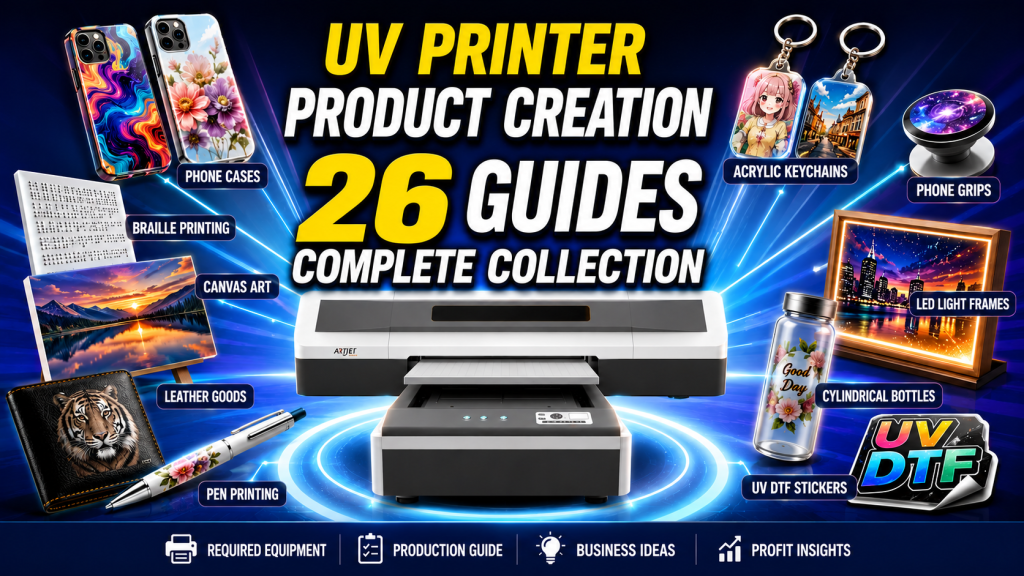
Comprehensive 26 Part Summary of Making Products with a UV Printer
Includes a Quick Finder Table by Customer Goal · Organized in the following order: “I want to make this” → Required Equipment → Production Guide
There are questions we receive most frequently before people introduce a UV printer.
“Can I make keyrings with this equipment?”
“Is it profitable to print phone cases?”
“Can I print on leather or canvas as well?”
“What is UV DTF? Where can I use it?”
“Is it profitable to print phone cases?”
“Can I print on leather or canvas as well?”
“What is UV DTF? Where can I use it?”
UV printers can produce a wide variety of products, ranging from flat substrates to curved surfaces, transparent acrylic, leather, and canvas.
However, because the required equipment combination and printing conditions vary depending on the product, you will experience significant trial and error if you do not understand them accurately in advance.
However, because the required equipment combination and printing conditions vary depending on the product, you will experience significant trial and error if you do not understand them accurately in advance.
Goal of This Post: To comprehensively organize a 27-part guide based on “the product I want to make,” allowing you to find the required equipment and production methods at a glance.
Who Should Read This?
- Those who want to get the big picture of what products can be made with a UV printer
- Those who want to know what equipment combination is needed for the product they plan to make before introducing equipment
- Those who already own a UV printer but are looking for new product ideas
- Those who want to check the printing conditions for each material (leather, canvas, acrylic, etc.) in advance
- Those who need practical insights regarding ink costs, profitability, etc.
Precautions
- Ink adhesion varies depending on the material. Always perform a test print before delivery. In particular, pre-treatment (Primer) is essential for glass and metal.
- In UV printing, the printhead height (Standoff) determines the quality. Make sure to check the material thickness and surface shape.
- When printing on both the front and back sides, White density alone cannot block show-through. Adding a Gray Layer is required.
- Do not perform UV printing on products that come into contact with skin or the mouth, such as masks and tableware. There are safety concerns.
Key Summary (5 Lines)
- Using only a UV printer allows you to make a variety of products, including phone cases, braille printing, canvas, and leather.
- By adding a jig, it is possible to print on small and curved materials, such as pens and rotary bottles.
- By combining a laser cutter, you can produce high-value-added products like keyrings, phone grip-toks, and LED light frames.
- UV DTF expands the application scope by printing on film first and then transferring it to various objects.
- Since the required equipment, difficulty, and profitability differ for each product, please check the decision table below first.
Ⅰ. “I Want to Make This” Quick Finder Table _ Comprehensive 26 Part Summary of Making Products with a UV Printer
You can see the required equipment, difficulty level, and key points at a glance based on “the product I want to make.”
Click the reference number to jump directly to the detailed guide below.
Click the reference number to jump directly to the detailed guide below.
Decision Criterion in One Line
It is most efficient to start with products that can be made using only a UV printer, and then step-by-step add jigs, lasers, and DTF as your production scale grows.
It is most efficient to start with products that can be made using only a UV printer, and then step-by-step add jigs, lasers, and DTF as your production scale grows.
| Product to Make | Required Equipment | Difficulty | Key Point | Ref. |
|---|---|---|---|---|
| Phone Cases | UV Printer | ★☆☆ | Pay attention to printhead height for camera-protruding models (iPhone 14, etc.) | ④ ㉔ |
| Braille Printing | UV Printer | ★★★ | White/Varnish layering takes time but provides high unit prices | ① |
| Canvas Artworks | UV Printer | ★★☆ | Checking material fixation methods and ink adhesion is essential | ⑩ |
| Leather Products | UV Printer | ★★☆ | Ink selection for genuine/artificial leather and pre-treatment are essential | ⑥ ⑦ |
| Epoxy Effect Prints | UV Printer | ★★☆ | Varnish positional alignment is the core element | ⑪ |
| Pen Printing | UV + Jig | ★★☆ | Requires precise jig production using a laser cutter | ⑭ |
| Rotary Bottles | UV + Jig | ★★★ | Jig limitations exist, profitability review is essential | ⑫ |
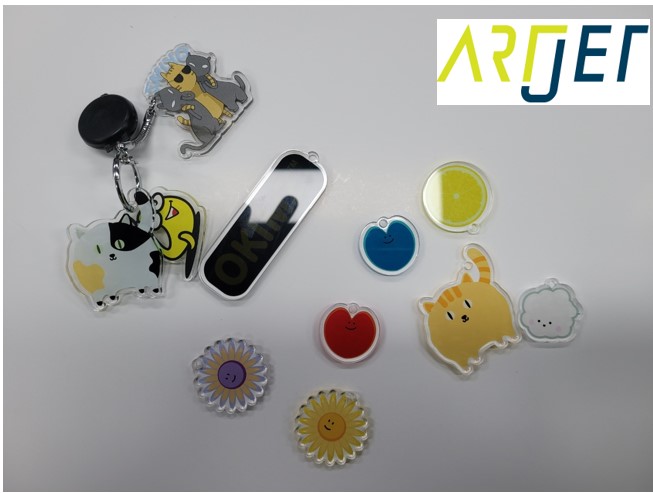
| Acrylic Keyrings | UV + Laser | ★★★ | Double-sided printing + camera cutting + blocking technology | ⑳ ㉖ |
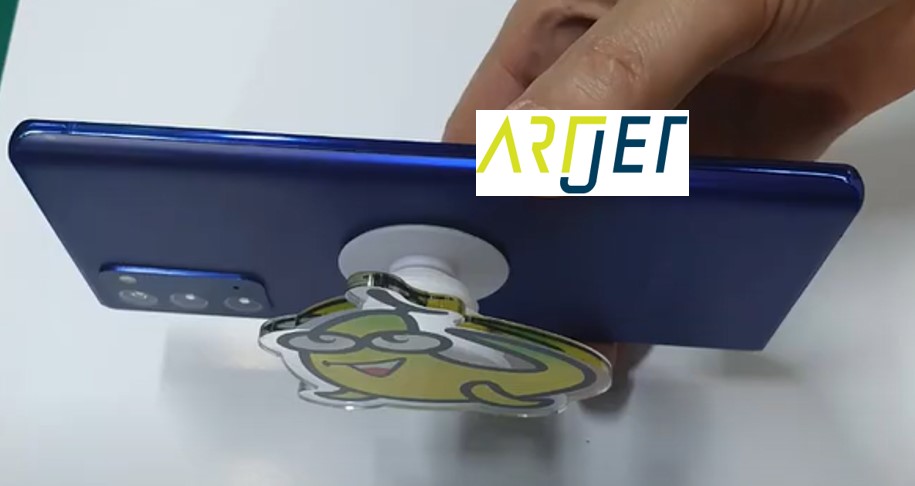
| Phone Grip-Toks | UV + Laser | ★★☆ | Securing acrylic cutting precision | ⑲ |
| LED Light Frames | UV + Laser | ★★★ | Translucent image design, LED combination | ⑰ |
| Equipment Name Plates/Buttons | UV + Laser | ★★☆ | Small-scale precision cutting, securing durability | ⑱ |
| UV DTF Stickers | UV + DTF Film + Hot Laminator | ★★☆ | Applicable to various objects, verifying material compatibility | ㉑ ㉒ |
Ⅱ. Classification Table by Equipment Combination (Step-by-Step Extension Guide) _ Comprehensive 26 Part Summary of Making Products with a UV Printer
This table is classified based on “what equipment combination is required.”
Use this as a roadmap to grow your business in the following order: UV Printer Standalone → Adding Jigs → Adding Laser → Extending to DTF.
Use this as a roadmap to grow your business in the following order: UV Printer Standalone → Adding Jigs → Adding Laser → Extending to DTF.
| Category | Equipment Combination | Representative Products | Features | Ref. |
|---|---|---|---|---|
| A. UV Printer Standalone | UV Printer Only | Phone cases, Braille, Canvas, Leather, Epoxy effects | Minimizes initial investment, directly prints on various flat materials | ① ② ③~ ⑪ |
| B. UV + Jig | UV Printer + Exclusive Jig | Pens, Rotary bottles, Small materials | Advantageous for repetitive production, jig precision determines quality | ⑫ ⑬ ⑭ |
| C. UV + Laser | UV Printer + Laser Cutter | Keyrings, Grip-toks, LED light frames, Name plates | Precise cutting using a camera, produces high-value-added products | ⑮~ ⑳ |
| D. UV DTF | UV Printer + DTF Film + Hot Laminator | Transfer stickers, Applied to various objects | Thermal transfer after printing on film, wide scope of application but has material restrictions | ㉑ ㉒ |
| E. Basic Knowledge | — | Printing comparison, Cost calculation, Printing techniques | Screen vs Inkjet, Ink cost, Front/back blocking, Primer, etc. | ㉓~ ㉖ |
Ⅲ. Detailed Guide for Each Product (27 Parts) _ Comprehensive 26 Part Summary of Making Products with a UV Printer
This is a detailed production guide based on actual field cases. Click each card to read the full post.
A. Products That Can Be Made with Only a UV Printer
— Products that can be immediately produced using a UV printer standalone without extra equipment.
— Products that can be immediately produced using a UV printer standalone without extra equipment.


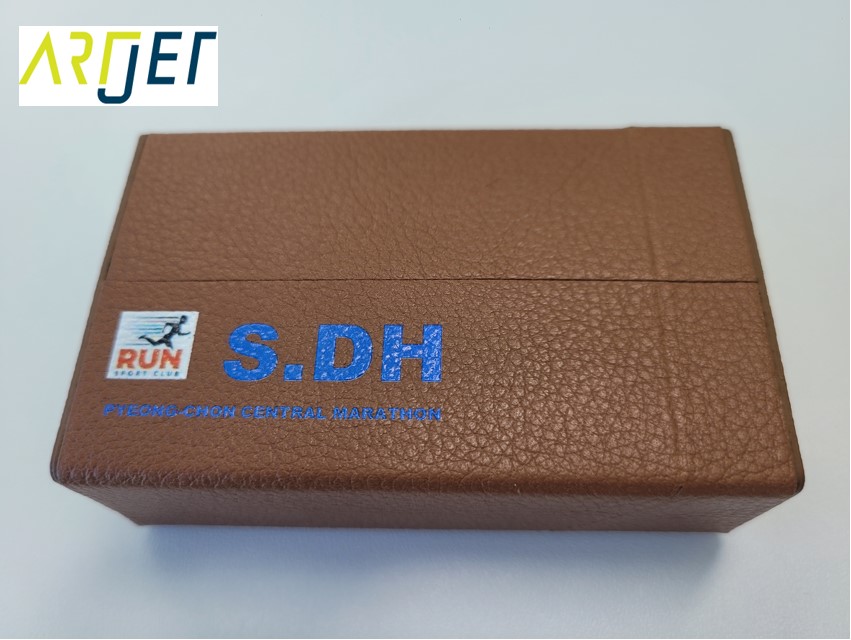
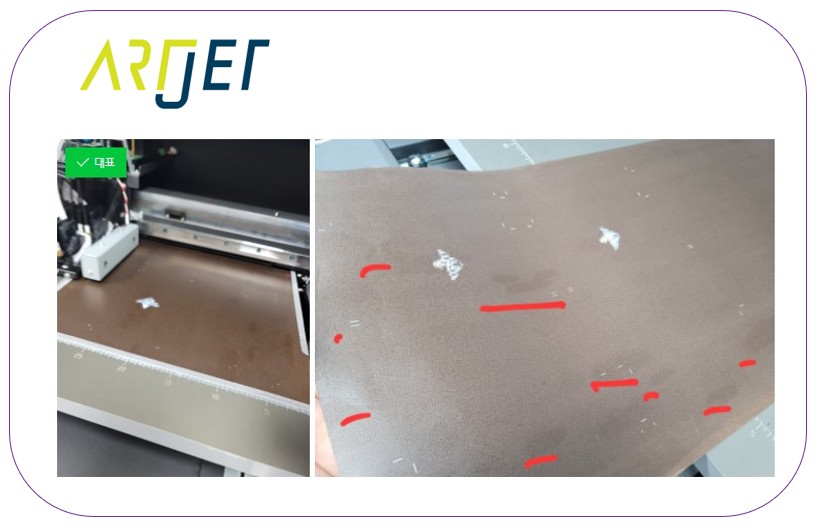
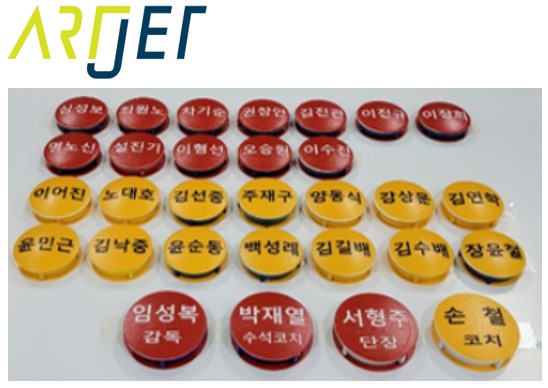
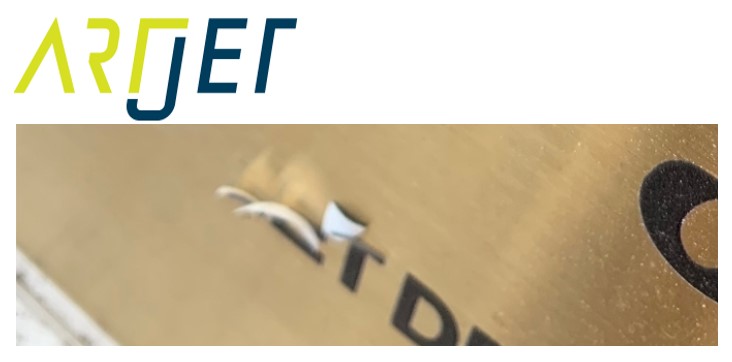


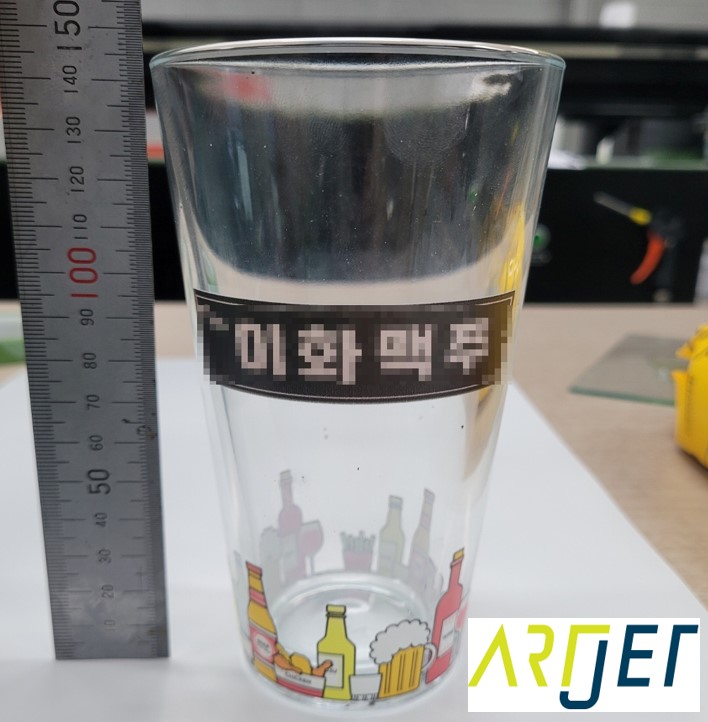
B. Products Utilizing Jigs
— Methods for repetitively producing small or curved materials by creating a dedicated jig.
— Methods for repetitively producing small or curved materials by creating a dedicated jig.


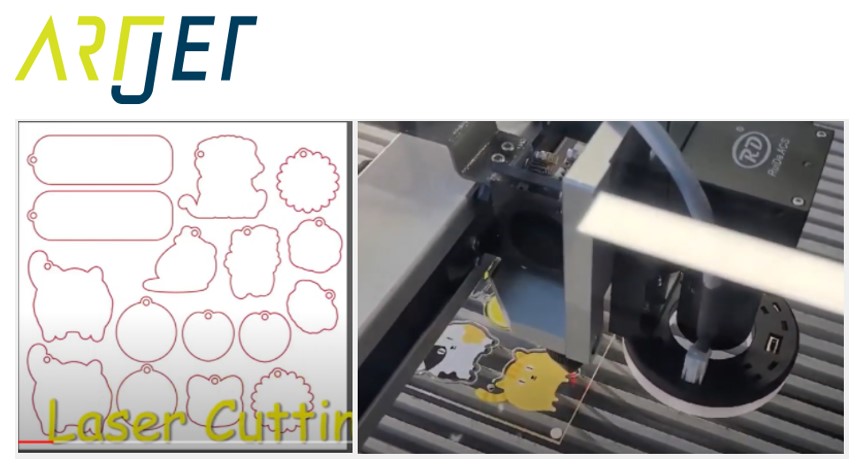
C. Products Made with UV Printer + Laser Cutter
— High-value-added production through precise contour cutting with a camera after printing.
— High-value-added production through precise contour cutting with a camera after printing.


D. UV DTF Stickers
— A technique for printing on special transfer films with a UV printer and then transferring images to assorted objects.
— A technique for printing on special transfer films with a UV printer and then transferring images to assorted objects.

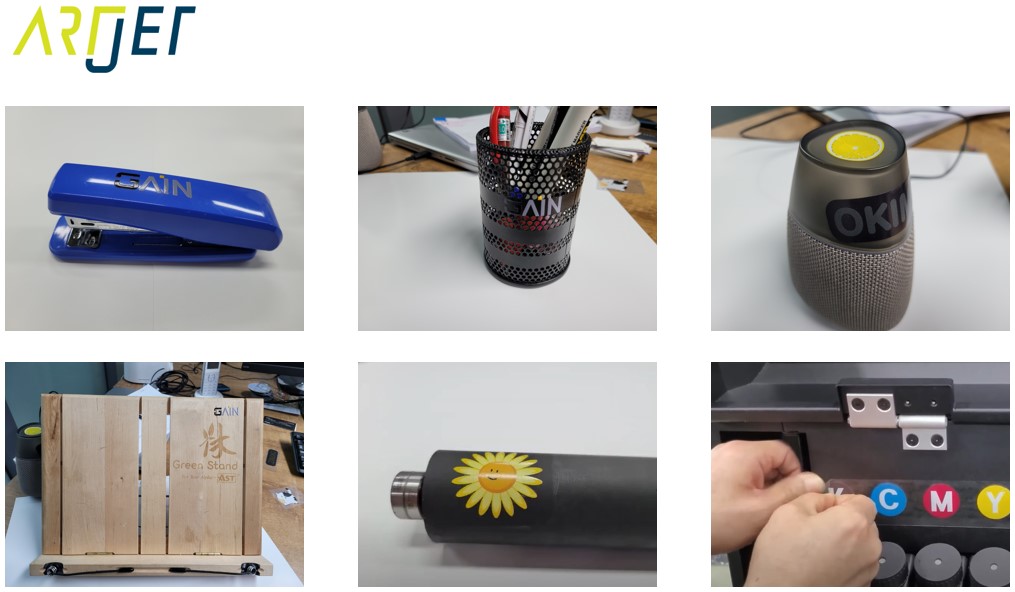
E. Helpful Basic Knowledge to Know
— Practical workspace knowledge encompassing printing comparisons, expenditure evaluations, and specialized techniques.
— Practical workspace knowledge encompassing printing comparisons, expenditure evaluations, and specialized techniques.


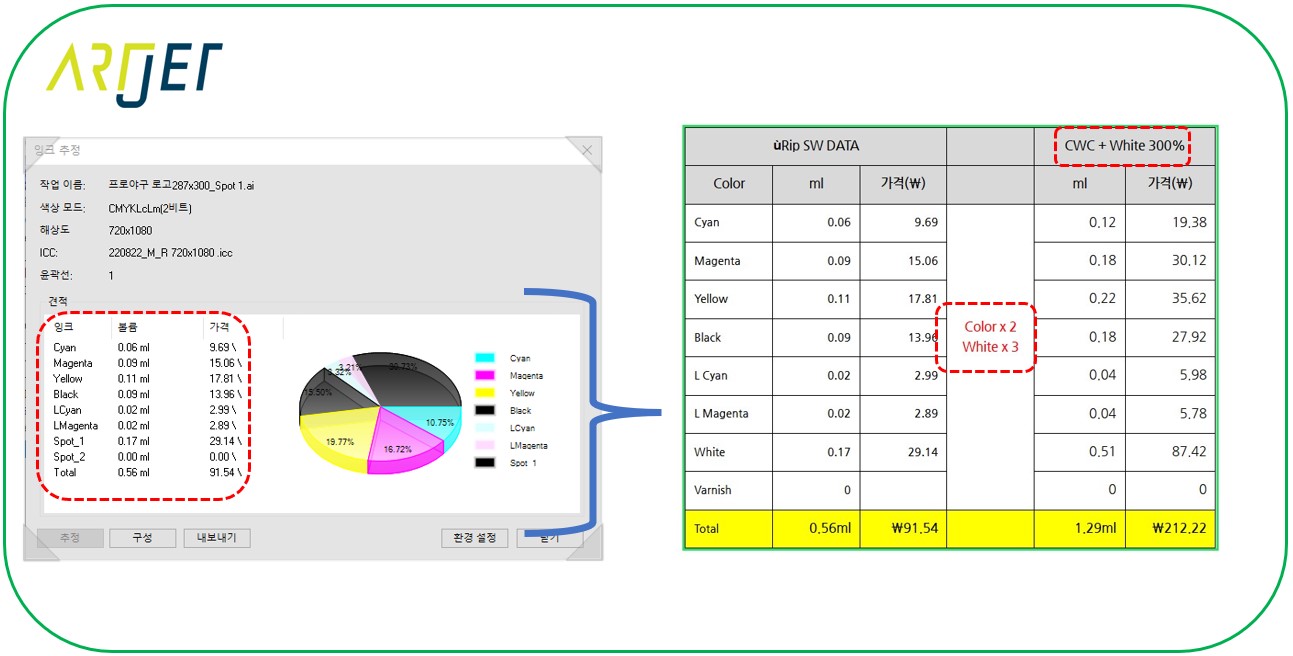
Ⅳ. UV Printer Basics · Troubleshooting · Comprehensive Guides
We have structured our UV Printer resources below. Click an item to explore the comprehensive posts.
1) Ink Supply Issues
A 23-part directory outlining printing errors linked to ink delivery pipelines, including flushing and pumping cycles
2) Print Head Anomalies
A 12-article compilation addressing printhead hardware tasks, ranging from setup routines to field diagnostics
For advanced printhead study parameters: Printhead Basics — 9 Articles
3) Electronic Controls / Software Protocols
4) Mechanical Framework Anomalies
5) Sai Flexi RIP Deployment, Spot Colors, and Error Rectification
Ⅴ. ARTJET UV Printer
There is one vital philosophy we have solidified after distributing and maintaining ARTJET UV printers for over 5 consecutive years.
Immediately following hardware durability, the next most critical asset is the deliberate accumulation of troubleshooting logs.
Any operating machinery is susceptible to field issues depending on environment factors, local tasks, or user skill thresholds.
What truly matters within commercial print shops isn’t “equipment that never halts,” but rather:
What truly matters within commercial print shops isn’t “equipment that never halts,” but rather:
How fast and how accurately you can locate the true technical cause and implement a fix when an anomaly occurs.
ARTJET systematically logs and logs active field data points from real-time workspaces to empower prompt and accurate resolution support.
🎥 View Output Quality Samples
