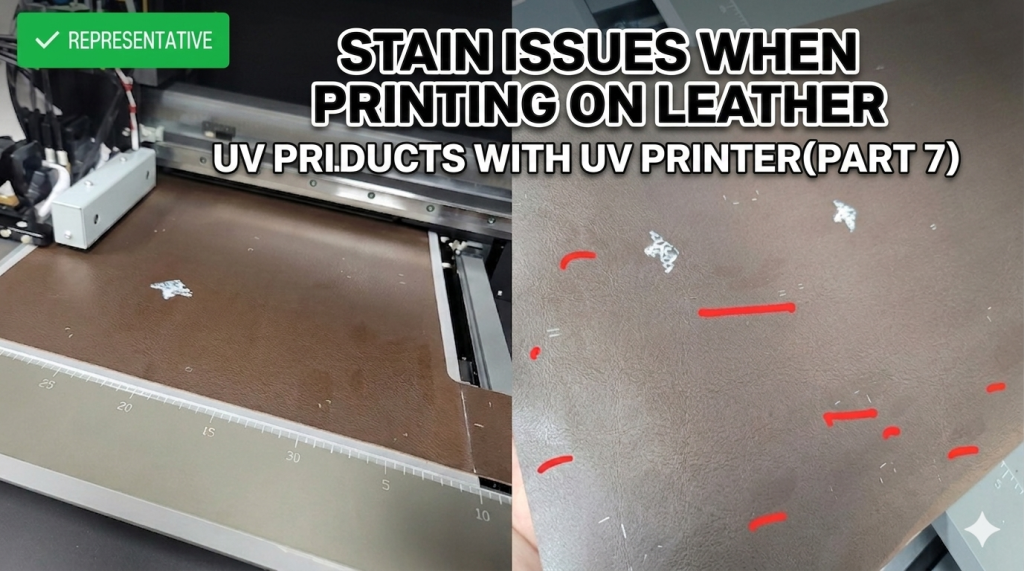
- Those experiencing stains when UV printing on coated leather (e.g., book covers)
- Those seeing unexplained stains appearing outside the print area
- Those looking to improve leather print quality by adjusting LED lamp power
- Coated leather can react sensitively to LED heat — do not print immediately at 100% lamp power
- You must verify step by step whether the stain cause is Varnish, skin oil, or LED heat
- The optimal lamp power varies by leather type and coating condition — test incrementally at 20% → 30% → 40%
- Stain cause on coated leather = reaction between LED heat and the leather coating
- Varnish drip and skin oil were ruled out — eliminated via channel lock and coating surface confirmation
- Solution: Lower lamp power (e.g., 40%) to achieve ink curing without staining
We are explaining products that can be made with a UV Printer.
Today, we explain a case where stains appeared outside the print area when printing on book cover leather.
I. Strange Stains — Stain Issues When Printing on Leather
This is coated brown leather used for book covers.
- The issue is that unexplained stains appear when printing images using only White ink.
- “Team leader, the leather itself has no stains, but after printing, stains appear like the areas marked in red. Similar symptoms also occur on fabric substrates. Could it be Varnish dripping during printing?”
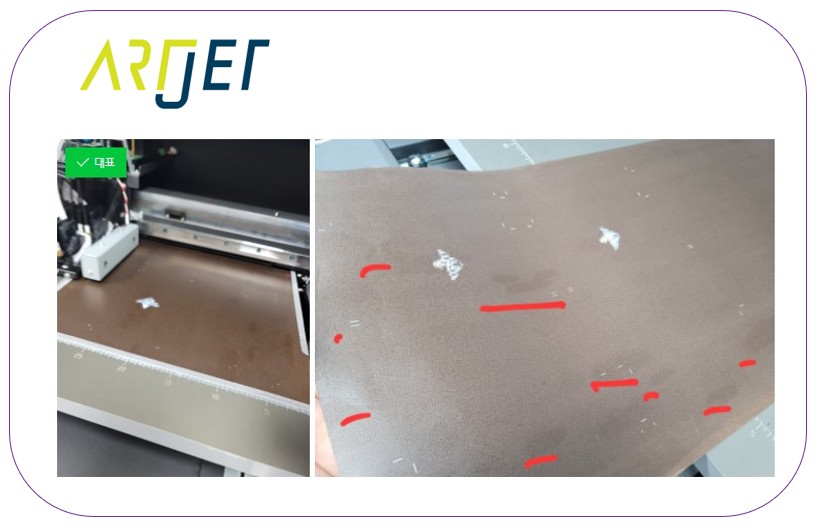
II. Troubleshooting Process — Stain Issues When Printing on Leather
1. Identifying the Root Cause
1_1. Suspicion: Varnish Dripping During Printing
- Based on experience, this was unlikely the cause, but to resolve the client’s concern,
- we locked the Varnish channel (using ARTJET SW’s per-channel lock feature) and proceeded with printing.
- As expected, the stains still appeared even with the Varnish channel locked.
1_2. Suspicion: Skin Oil from Handling Causing Stains After Printing
- There have been cases where touching the substrate transfers skin oil that causes similar stains when cured by LED,
- so we asked several times whether stains appeared only where the leather was touched by hand before printing.
- The client confirmed they only held the coated leather by its edges.
- Thus, skin oil was also ruled out as the cause.
1_3. Suspicion: LED Heat Causing Deformation to the Substrate Itself
- When servicing large UV Printers in the past, similar symptoms occasionally occurred due to UV lamp heat.
- To investigate this possibility, we decided to turn off the LED lamp power and test whether stains still appeared outside the print area.
- “Sir, the ink will smear since it won’t cure, but this could be caused by lamp heat. Please print with the lamp power turned off.”
- The result: the ink smeared because it didn’t cure, but the stains that had been appearing outside the print area were gone.
- In other words, the issue was a reaction between LED heat and the coating on the leather.
2. Resolution
- Since the problematic substrate was leather used exclusively by the client and we didn’t have it on hand, we advised the client as follows.
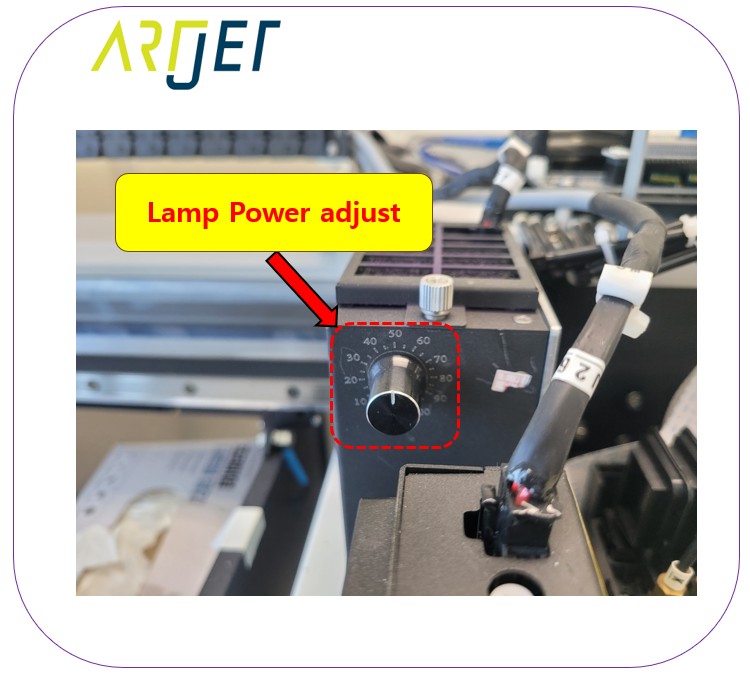
“Sir, it seems the stains are caused by lamp heat. You need to adjust the Lamp Power so that the ink cures properly without producing stains.”
“How do I adjust the lamp power?”
“There is a power adjustment jog on the lamp. Please test by gradually increasing it — 20%, 30%, and so on.”
Shortly after, the client called back.
“With the lamp power set to 40%, there are no stains and the White ink adheres well.”
III. ARTJET UV Printer
