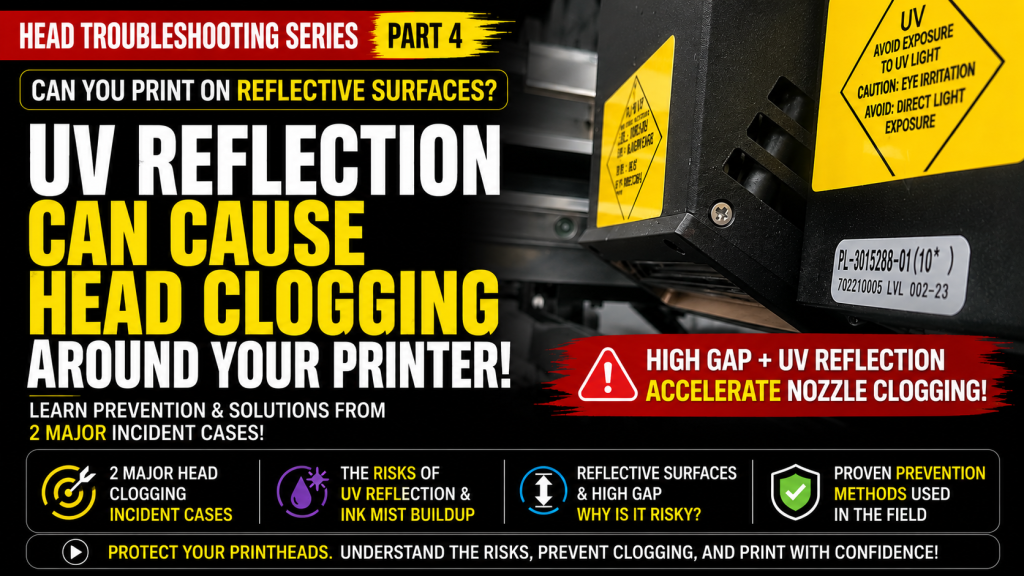
- UV printer users who print on glass, mirrors, or coated metal — reflective materials
- Anyone printing with a large head-to-material gap (Head Gap)
- Field technicians who have suddenly experienced multiple clogged nozzles or heads
- Head clogging can occur even without printing on reflective materials
- In real field cases, high Gap conditions combined with UV light reflection can cause nozzle clogging to progress very rapidly
- Unused Varnish and White are more dangerous than Color — when cleaning periodically, be sure to clean every head
- Both major head-clogging incidents happened due to a high Head Gap, not reflective materials
- UV reflection + accumulated ink mist → a photoinitiator chain reaction hardens nozzles slowly or suddenly
- Head manufacturer (Konica) advice: keep the carriage travel path non-reflective, mount the lamp far from the head, angle the lamp, and clean regularly when printing on reflective material
- Reflective material itself is actually less dangerous than printing on tall material (a large Gap)
- A clogged head cannot be unclogged by cleaning — replacement is the only option
- Printing errors caused by ink supply (including cleaning and pumping issues) have been recently updated.
- For printers using dampers, troubleshooting can be done through the link below.
- This is a table of contents, with 23 articles, complete with photos and explanations.
- Printer Cleaning Problems Part 23 Table of Contents ARTJET 2026
- In the first session, the symptoms and solutions that occur when a DATA cable becomes contaminated with ink.
- In the second session, the 17 used heads we had in storage, how many were usable after cleaning them with alcohol, and what errors occurred.
- In the third hour, we discussed the issue of certain colors being printed strangely during printing.
I. Two Major Accidents _ Can I Print on Reflective Material?
This incident occurred while I was working at a large UV printer manufacturer for 11 years.
- The model sold in 2015 was a 2.5 x 3.2 meter large UV printer equipped with 16 KM1024 heads.
- The price of the 16 heads alone was around 30 million won.
- I was working in the office when a friend who was doing repairs suddenly appeared with a surprised expression on his face.
All 16 heads were blocked, even though they weren’t printing on reflective materials like glass or mirrors.
I’ll explain later why the heads suddenly became blocked, even though we weren’t printing on reflective materials like mirrors.
Less than a week after delivery, we received a complaint that all three heads were not loading (pumping) and no ink was coming out.
Thinking it was a pumping issue, we performed various checks, but no matter what we did, the pumping wouldn’t work.
It had only been a week since delivery, but the pumping wouldn’t work, so we wondered, “Could the heads be clogged?”
We replaced only one head, and it pumped right away.
After asking the customer, they said they had been printing on a 70mm-tall material all day, and that was when the print head issues began.
The material was a painted steel plate.
II. Printhead Manufacturer Advice _ Can I Print on Reflective Material?
The head used in my first development model in 2004 was from Konica Minolta, and I frequently met with Konica engineers to discuss technical issues.
One topic during these technical meetings was head nozzle clogging caused by the UV lamp.
Konica, which sold its heads to multiple manufacturers, offered the following advice:
- The head carriage transport mechanism should not use SUS metal or other highly reflective materials. If used, paint it black or otherwise coat it to prevent UV light from reflecting.
- One UV printer manufacturer experienced a problem where nozzles in specific areas were repeatedly clogged.
- The cause was the use of silver round bolts in the head carriage transport mechanism. These round bolts reflected UV light, causing it to continuously reflect onto specific nozzles in the head.
- Over time, these nozzles continued to clog.
- During printing, the head carriage moves, reflecting UV (LED) light through the flatbed.
- If the head and lamp are close together, the reflected light will reach the print head.
- For this reason, the farther away the UV (LED) lamp is from the print head, the less likely it is that reflected UV (LED) light will reach the print head.
- It’s best to angle the UV (LED) lamp slightly outward from the printhead, rather than vertically.
- Because the light reflects outward, the likelihood of UV light hitting the printhead during printing is reduced.
- perform regular head cleaning after printing.
- To minimize UV (LED) lamp light reflection, when printing on tall materials, place a dummy material of the same height or slightly lower next to the material to minimize UV (LED) light reflection.
- If the print head is used above the standoff (the gap between the material and the print head, typically 1.2mm), ink will fly off during printing, and these fine ink particles will adhere to the head nozzle.
- Continuous exposure to UV (LED) light will partially block the nozzle surface, ultimately clogging the nozzle completely.
- If a high standoff is required, perform regular head cleaning.
III. Applying Konica’s Advice to Your Printer Now _ Can I Print on Reflective Material?
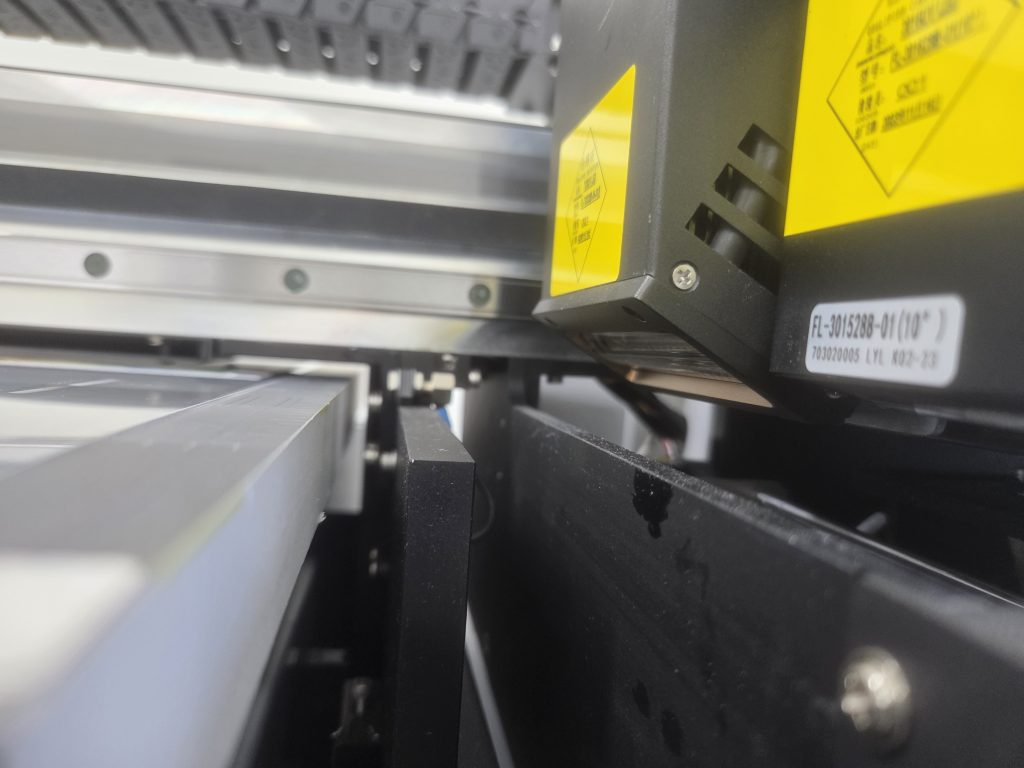
There is no SUS metal material that can reflect UV (LED) light around the print head carriage.
There is a print head collision prevention device between the LED lamp and the print head, so the gap between the LED lamp and the print head is fine.

The lamp itself is also tilted about 20 degrees away from the print head.
IV. Advice From Someone Who Has Sold UV Printers for Over 20 Years _ Can I Print on Reflective Material?
When printing on highly reflective materials such as glass mirrors, clean the nozzles periodically (every 30 minutes to an hour).
- UV ink cures under UV light.
- However, it doesn’t cure immediately — it requires a certain amount of accumulated UV light to begin curing.
- If you print on reflective materials like glass mirrors without cleaning, the accumulated UV light will cause the ink stuck around the print head to harden slowly or suddenly.
- The problem is that UV ink contains a photoinitiator. Once the ink begins to harden, it triggers a chain reaction that hardens the ink inside the nozzle as well.
- Once this happens, cleaning will no longer clear the clogged nozzle.
This is especially true when printing only Color on reflective materials for an extended period, without printing Varnish or White.
- Printing only Color on reflective materials is less dangerous, because the Color ink keeps jetting continuously.
- However, since unprinted Varnish and White don’t jet, UV light continuously hits the ink remaining in those nozzles.
- Unused Varnish and White are more dangerous than Color, so all heads must be cleaned periodically.
Most UV printer users know that reflective materials like mirrors are dangerous.
For this reason, they sometimes ask, “Can I print on mirrors?”
However, printing on tall materials is even more dangerous than reflective materials.
- When printing on a 70mm-tall wooden box,
- when the head carriage passes over the print surface, the head sits approximately 70mm above the floor.
- This 70mm height difference increases the angle of light reflection, causing the LED light to continuously hit the underside of the print head.
- Both major accidents described at the beginning of this article were caused by a high gap, rather than reflective materials like glass or SUS metal.
- When printing on tall materials, always place a material next to the print head that is the same height or slightly lower than the print material.
For this reason, if a head is partially or completely clogged, there is no way to fix it other than replacing the head.
VI. ARTJET UV Printer

핑백: Recovering a UV White Print Head After 1 Month Idle (Real Field Case, XP600)