INKJET UV Printer & Coat & CUT

INKJET UV Printer & Laser Cutting Machine

경기도 안양시 동안구 시민대로109번길 29, 13층 1302호

잉크젯

How to Flip the Substrate and Align Front-Back Printing — UV Printer Products (Part 2) ARTJET 2026

How to Flip the Substrate and Align Front-Back Printing — UV Printer Products Part 2 ✅ Who should read this? Anyone who needs to print on the front of transparent acrylic, then flip it and print on the back Anyone who wants to learn how to precisely align front and back images Anyone confused about […]
How to Flip the Substrate and Align Front-Back Printing — UV Printer Products (Part 2) ARTJET 2026 더 읽기"

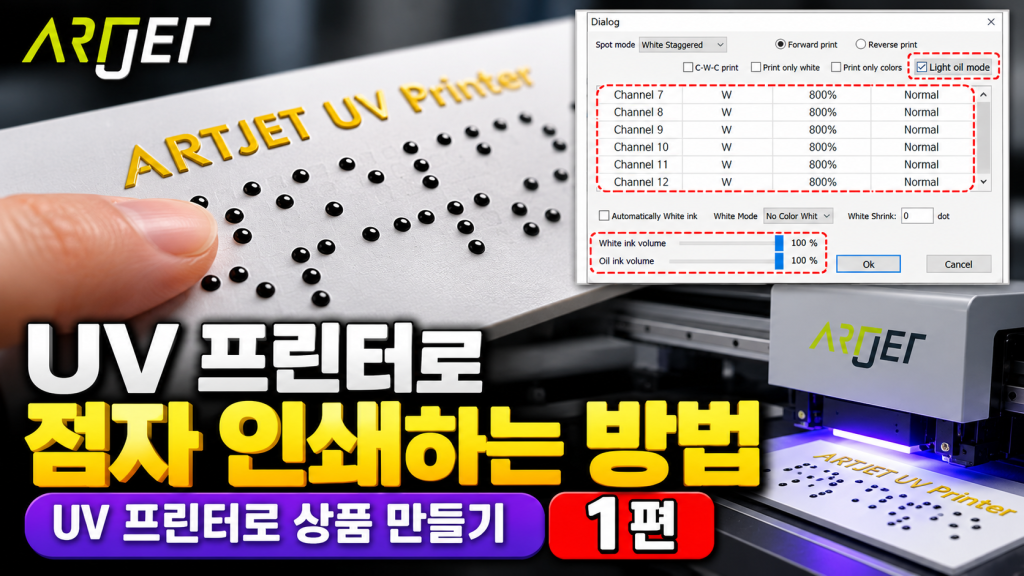
UV 프린터로 점자 인쇄하는 방법 — UV 프린터로 상품 만들기 (1편) ARTJET 2026

UV 프린터로 점자 인쇄하는 방법 — UV 프린터로 상품 만들기 1편 ✅ 이 글을 읽어야 하는 분 UV 프린터로 점자 인쇄를 처음 시도하려는 분 White와 Varnish를 동시에 사용해 적층 높이를 만드는 방법이 궁금한 분 프린터 프로그램의 Spot color 옵션(100%~800%, 농도 설정)이 무엇인지 모르는 분 점자 인쇄 시 헤드 높이, 인쇄 방향(단방향/양방향) 설정이 헷갈리는 분 공공기관·은행

UV 프린터로 점자 인쇄하는 방법 — UV 프린터로 상품 만들기 (1편) ARTJET 2026 더 읽기"

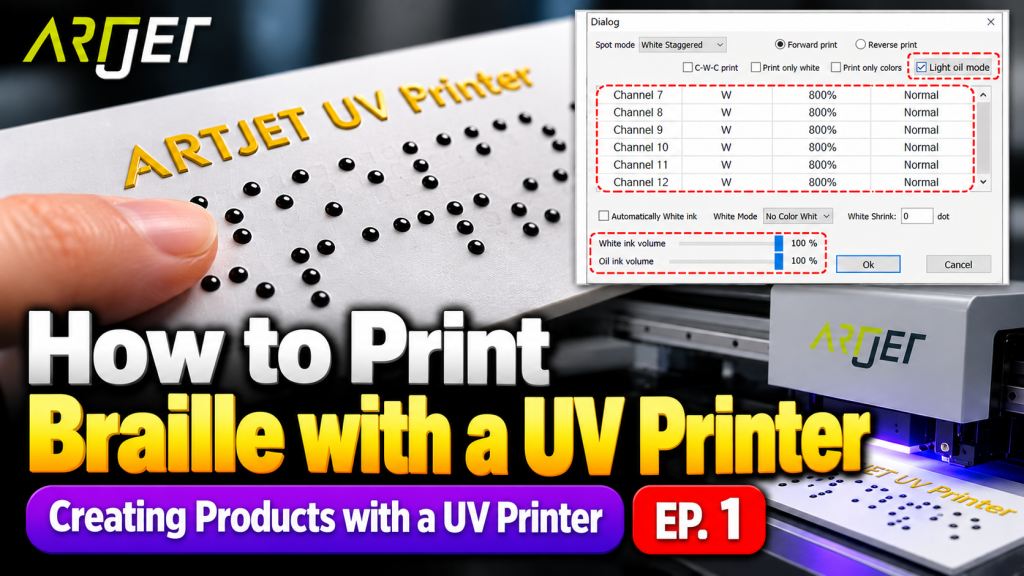
UV Printer Braille Printing White and Varnish Layer Settings Guide — UV Printer Products (Part 1) ARTJET 2026

UV Printer Braille Printing White and Varnish Layer Settings Guide — UV Printer Products Part 1 ✅ Who should read this? Anyone attempting braille printing with a UV printer for the first time Anyone who wants to learn how to build layer height using White and Varnish simultaneously Anyone unfamiliar with the Spot Color options

UV Printer Braille Printing White and Varnish Layer Settings Guide — UV Printer Products (Part 1) ARTJET 2026 더 읽기"

Sai Flexi Rip 사용 팁 10편 증상별 정리 — ARTJET 2026

Sai Flexi Rip 사용 팁 10편 증상별 정리 현장 판단표 포함 · 증상 → 원인 → 점검 → 해결 순서로 정리 UV 프린터를 운영하다 보면 RIP 소프트웨어와 관련해 이런 말을 자주 듣습니다. “보안키를 찾을 수 없다고 나와요.” “Spot Color를 설정했는데 색이 이상해요.” “인쇄 사이즈가 파일이랑 다르게 나와요.” RIP 관련 문제는 소프트웨어 설정, USB 인식, ICC

Sai Flexi Rip 사용 팁 10편 증상별 정리 — ARTJET 2026 더 읽기"

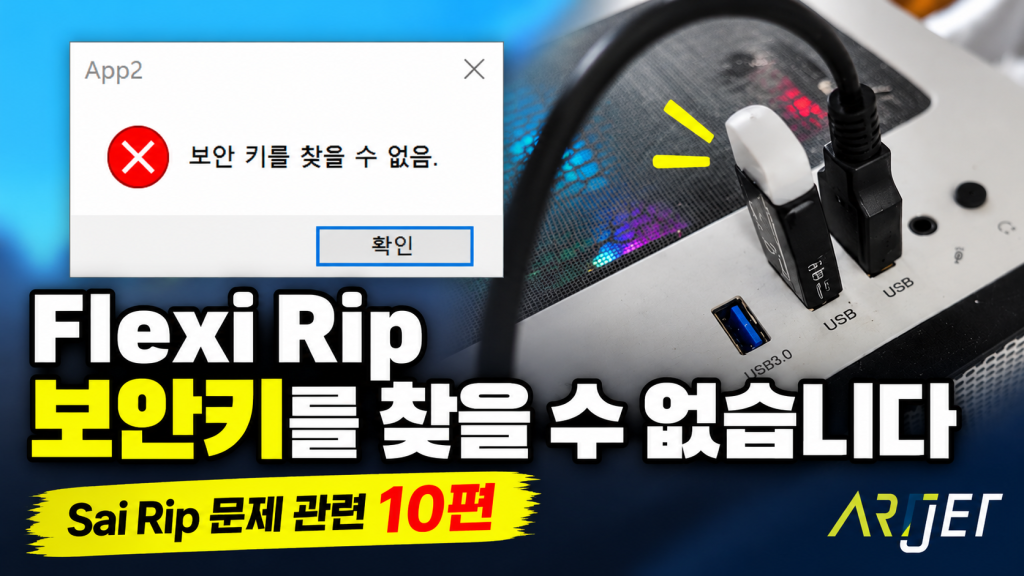
Flexi Rip 보안키를 찾을 수 없습니다 — Sai Flexi Rip 사용 팁 (10편) ARTJET 20265

Flexi Rip 보안키를 찾을 수 없습니다 — Sai Rip 문제 관련 10편 증상 → 원인 가설 → 점검 순서 → 해결 ✅ 이 글을 읽어야 하는 분 Flexi RIP 실행 시 “보안키를 찾을 수 없습니다” 오류가 발생하는 분 USB Dongle(락키)이 꽂혀 있는데도 인식이 안 되는 경우 Windows 업데이트 이후 RIP 프로그램이 갑자기 실행되지 않는 분

Flexi Rip 보안키를 찾을 수 없습니다 — Sai Flexi Rip 사용 팁 (10편) ARTJET 20265 더 읽기"

Flexi RIP Security Key Not Found — Sai Flexi RIP Tips (Part 10) ARTJET 2026

Flexi RIP Security Key Not Found — Sai Rip Issues Part 10 Symptom → Hypothesis → Inspection → Solution ✅ Who Should Read This You see a “Security key not found” error when launching Flexi RIP Your USB Dongle (Lock key) is plugged in but not being recognized Your RIP program suddenly stopped working after

Flexi RIP Security Key Not Found — Sai Flexi RIP Tips (Part 10) ARTJET 2026 더 읽기"

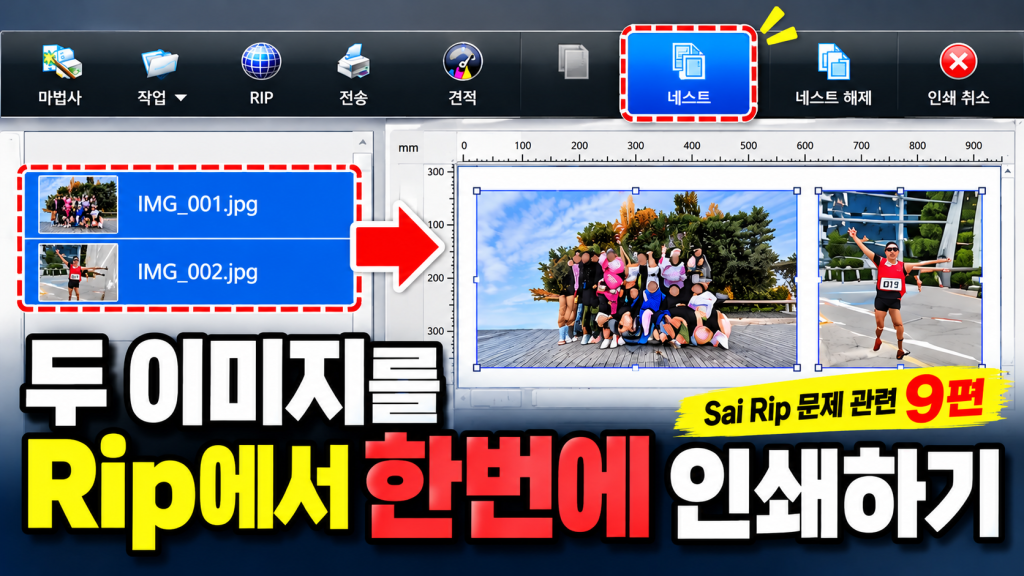
두 이미지를 Rip에서 한번에 인쇄하기 — Sai Flexi Rip 사용 팁 (9편) ARTJET 2026

두 이미지를 Rip에서 한번에 인쇄하기 — Sai Rip 문제 관련 9편 증상 → 원인 가설 → 점검 순서 → 해결 ✅ 이 글을 읽어야 하는 분 두 개 이미지를 하나의 소재에 한번에 인쇄하고 싶은 분 매번 일러스트프로그램에서 이미지를 합치는 작업이 번거롭게 느껴지는 분 Sai Flexi Rip의 [네스트] 기능이 무엇인지 처음 알게 된 분 소재 사이즈에

두 이미지를 Rip에서 한번에 인쇄하기 — Sai Flexi Rip 사용 팁 (9편) ARTJET 2026 더 읽기"

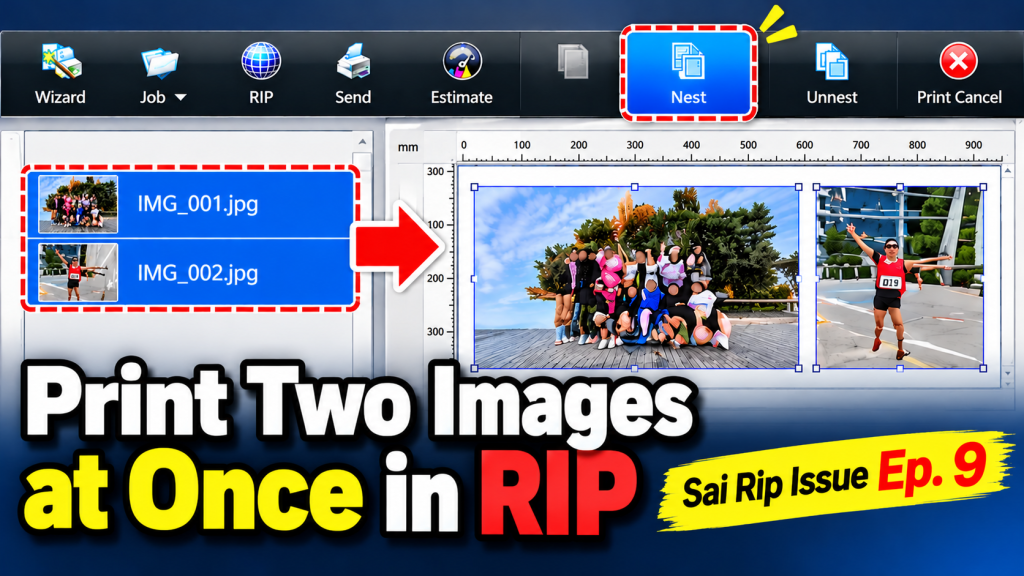
Printing Two Images at Once in Flexi RIP — Sai Flexi RIP Tips (Part 9) ARTJET 2026

Printing Two Images at Once in Flexi RIP — Sai Rip Issues Part 9 Symptom → Hypothesis → Inspection → Solution ✅ Who Should Read This You want to print two images onto a single substrate in one pass Merging images in Illustrator every time feels like unnecessary extra work You’re discovering the [Nest] feature

Printing Two Images at Once in Flexi RIP — Sai Flexi RIP Tips (Part 9) ARTJET 2026 더 읽기"

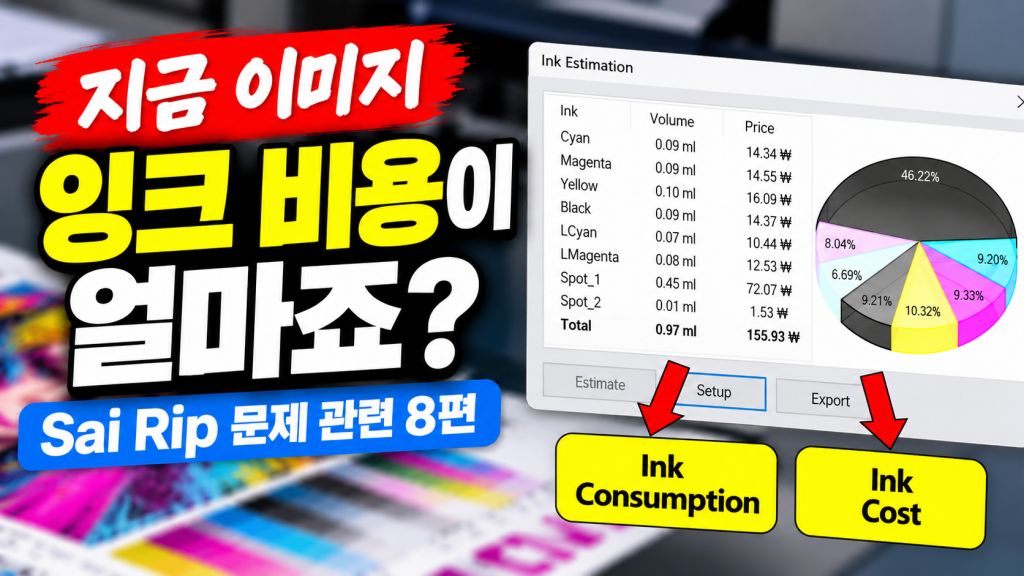
지금 이미지 잉크 비용이 얼마죠? — Sai Flexi Rip 잉크 비용 계산 (8편) ARTJET 2026

지금 이미지 잉크 비용이 얼마죠? — Sai Rip 문제 관련 8편 증상 → 원인 가설 → 점검 순서 → 해결 ✅ 이 글을 읽어야 하는 분 지금 인쇄하고 있는 이미지의 잉크 소모량과 비용을 정확히 알고 싶은 분 Sai Flexi Rip의 [추정] 옵션이 어디에 있는지, 어떻게 활성화하는지 모르는 분 Rip에서 표시되는 잉크 소모량과 실제 프린터에서 사용되는

지금 이미지 잉크 비용이 얼마죠? — Sai Flexi Rip 잉크 비용 계산 (8편) ARTJET 2026 더 읽기"